ULEAD DVD MOVIEFACTORY USER GUIDE 55
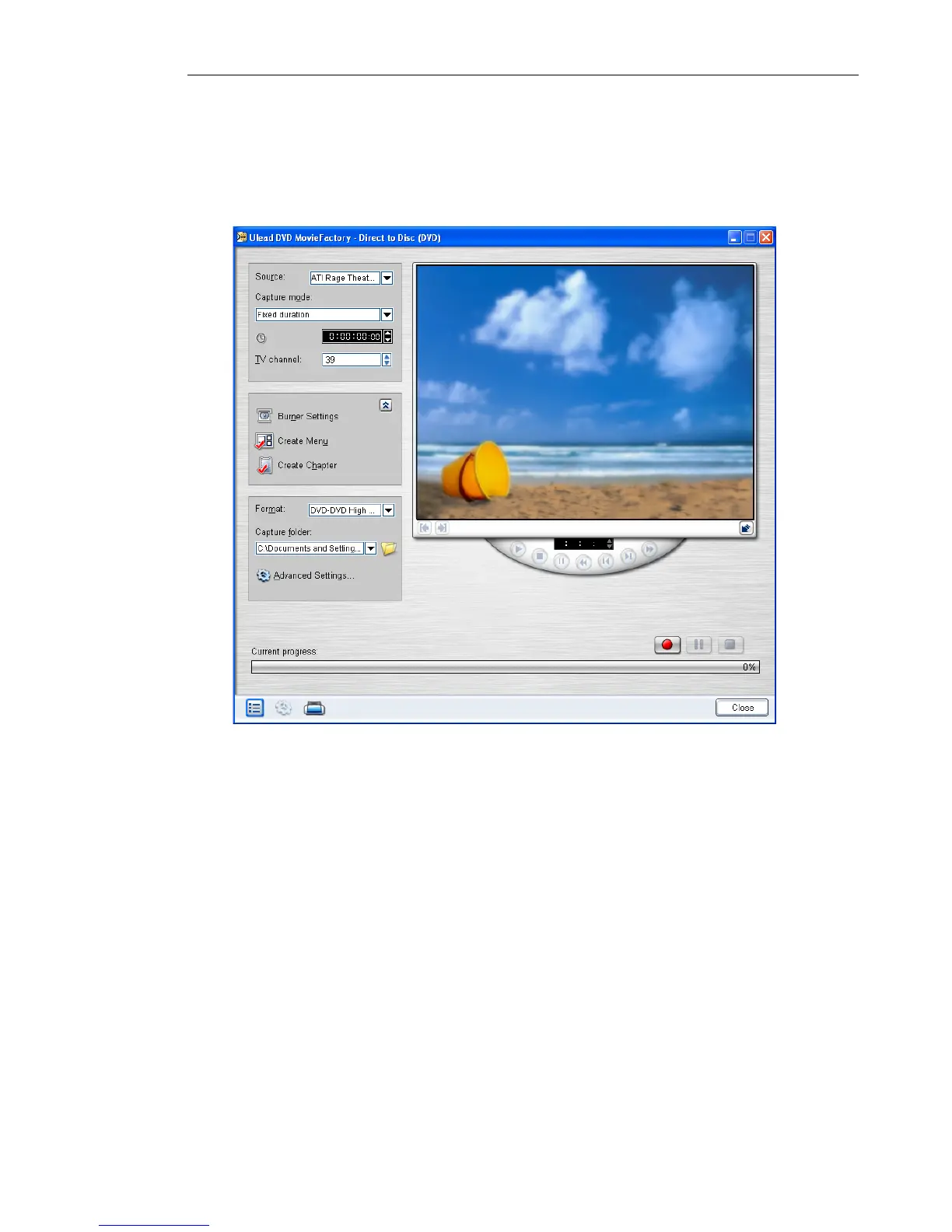
For DVD, VCD, or SVCD
With Direct to Disc, you can capture your videos and directly burn
them onto DVD, VCD, or SVCD.
To capture videos directly onto a disc:
1. Make sure your video source is switched on, and is properly
connected to your computer.
2. Insert a disc into the disc burner where you want to burn the
video, and then click Direct to Disc in the Launcher.
3. Select an output disc format. Click Next.



 To Next Page