ULEAD DVD MOVIEFACTORY USER GUIDE 17
Capturing video
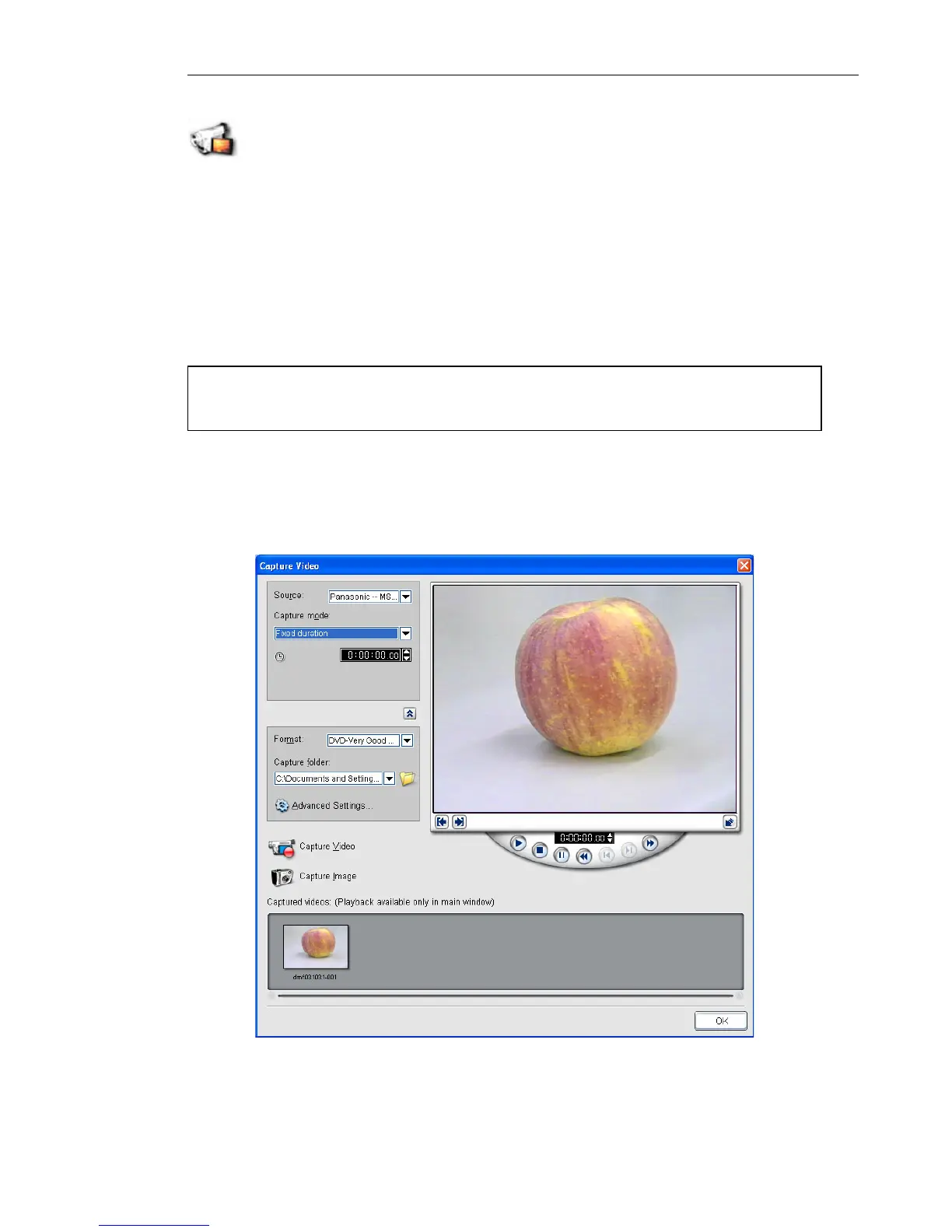
Capturing is the process of transferring video from your
camcorder or other video sources to your computer. When you
have properly setup your equipment for capturing, the video feed
from your source device should be visible when you play the source
tape in the Preview Window of the Capture Video dialog box. If
your display card supports TV output connection, you will be able to
view your video on the TV monitor.
Ulead DVD MovieFactory is capable of capturing video from
different video sources such as DV camcorders and VCRs, analog
devices, and TV tuners.
Note: Before capturing videos, make sure that you have done the
procedures described in “Hardware checkup and configuration”.



 To Next Page