20 ULEAD DVD MOVIEFACTORY USER GUIDE
• Use preview mode Select to improve captured video quality
when capturing in SCVD or DVD format. This is only available if
your analog capture card supports this feature.
• Frame rate Select what frame rate to use when capturing the
video into DVD MovieFactory. The higher the frame rate, the
smoother the video will be.
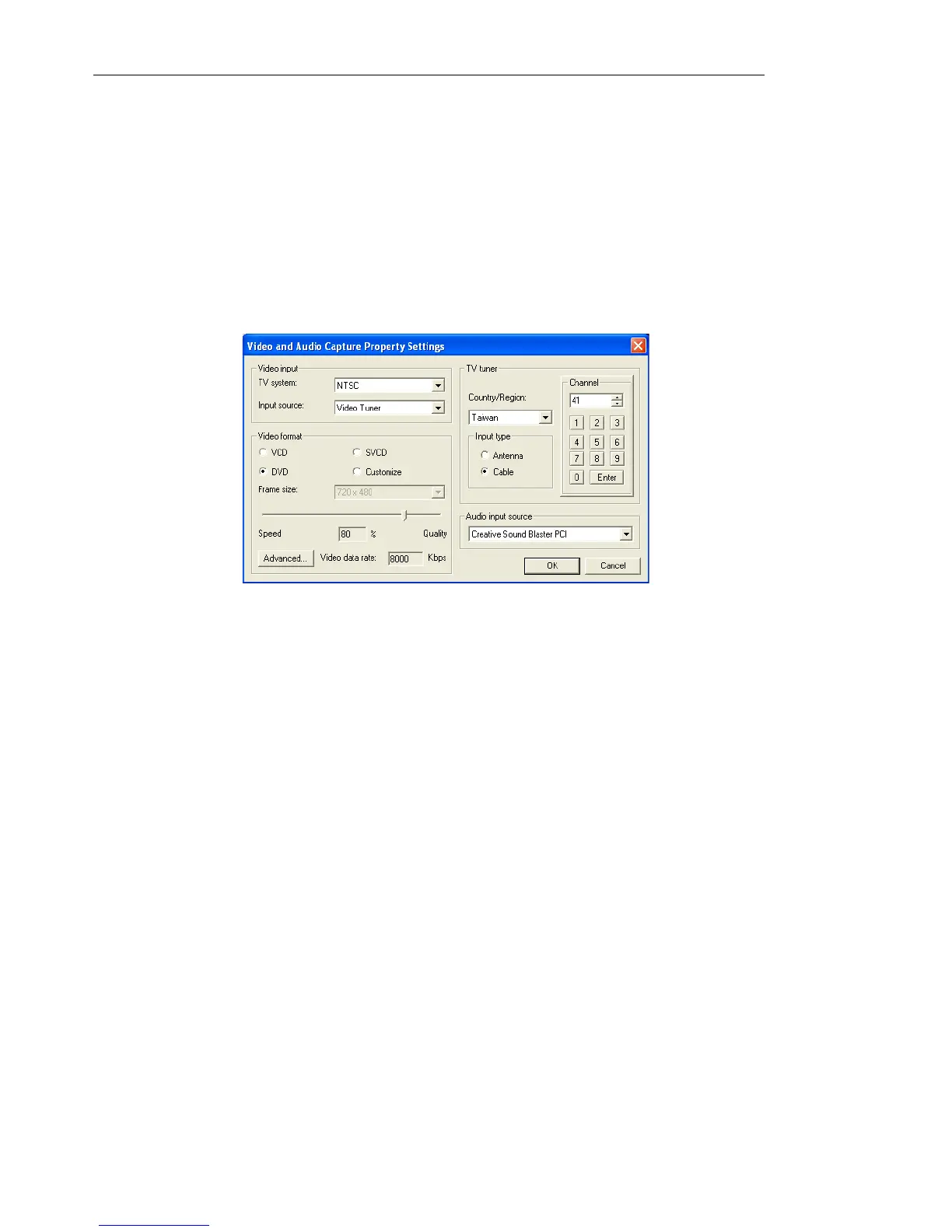
Video and Audio Capture Property Settings dialog box
• TV system Specify whether to use NTSC or PAL, depending on
your region. NTSC is predominant in North America and many
Asian countries. PAL is the television standard in Europe and
South Pacific.
• Input Source Select Video Composite if you have a video
input jack and one (Mono) or two (Stereo) audio input jacks.
Select Video Tuner for TV input and Video S-video for S-video
input.
• Use software compression Only available when capturing in
AVI format. Select this if you have a specific compression
requirement. Click Advanced to specify your preferred software
compression. The current Compression list shows available
compression codecs provided by your capture card. Select Use
software compression to override the card codec settings.
• Video quality slider Only available when capturing in MPEG
format. Drag the slider to the left to decrease the video quality or
to the right to increase the video quality. The quality of the video



 To Next Page