ULEAD DVD MOVIEFACTORY USER GUIDE 49
3. Select Create DVD folders to create folders for your project and
locate the path where you want to save it.
4. Select Create disc image file to make an ISO image file of the
DVD for later use.
5. Select Normalize audio to make sure that irregular audio levels
during playback are prevented.
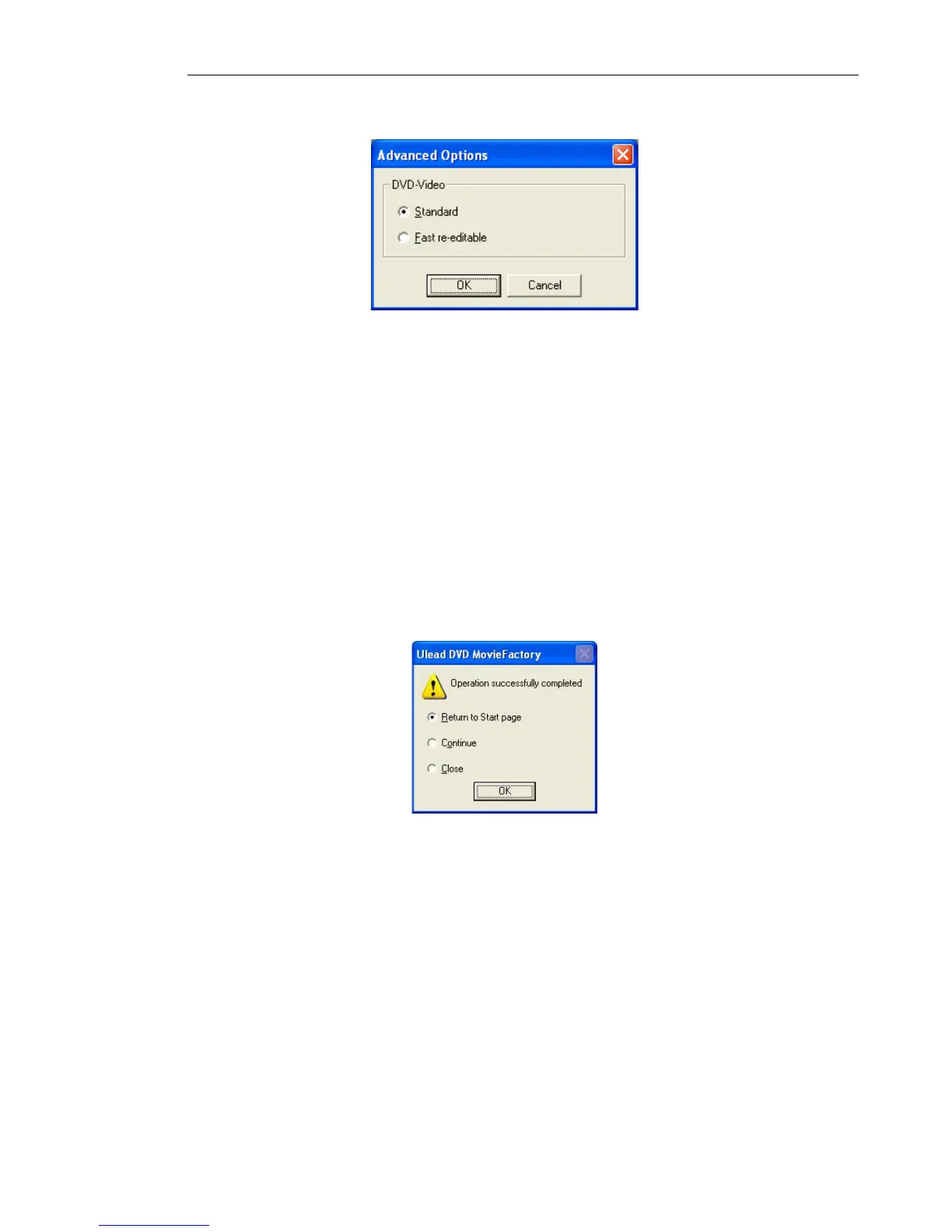
6. Click Options to define the output settings of your project.
7. Click Output to start burning.
8. After successfully burning your disc, a dialog box appears from
which you can select what to do next. Refer to the image below.
• Return to Start page allows you to save the current project
and begin a new one.
• Continue brings you back to the Finish page where you can
burn another copy of your project or burn a new disc with a
different series of settings.
• Close prompts you to save your work and close DVD
MovieFactory.



 To Next Page