60 ULEAD DVD MOVIEFACTORY USER GUIDE
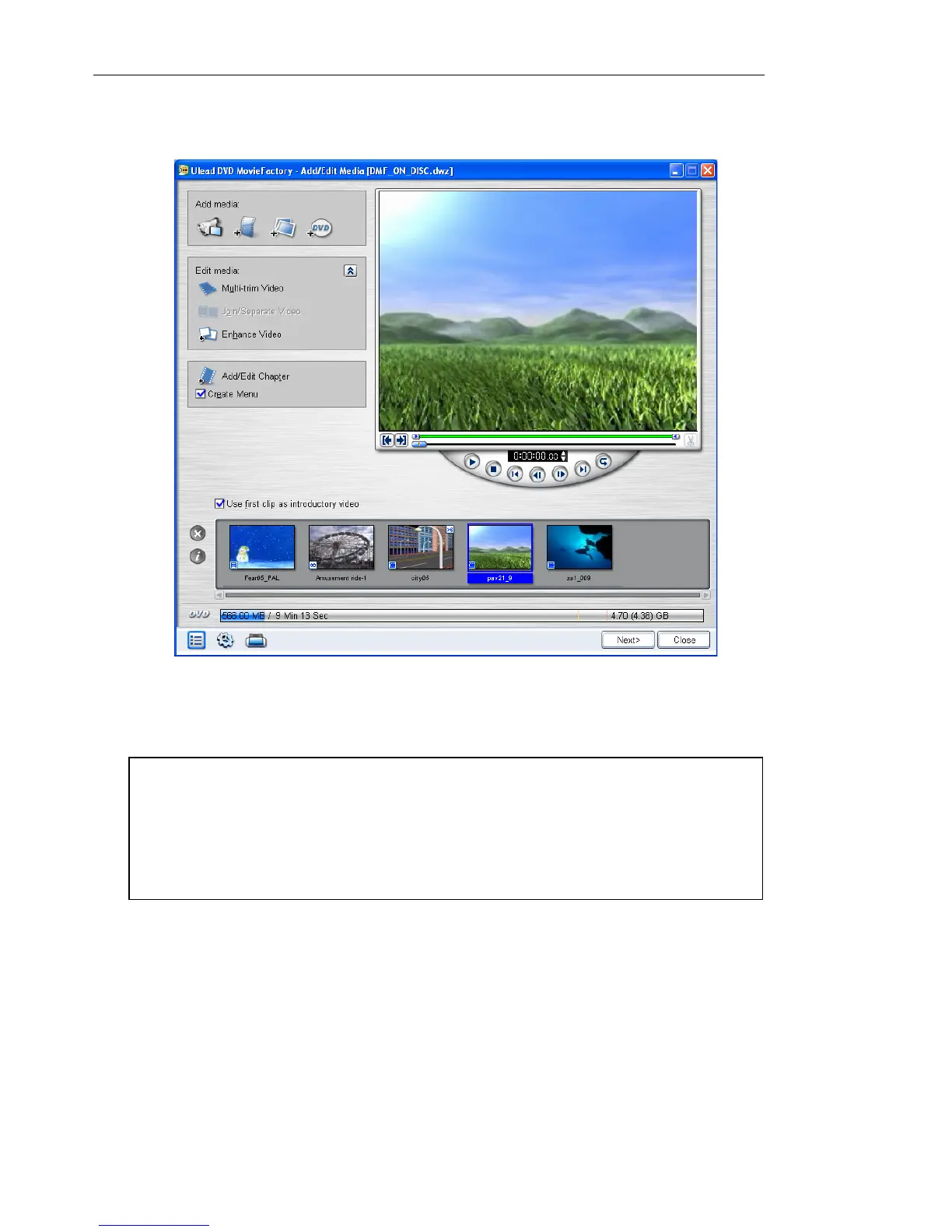
3. Add, modify, or remove videos/menus. Click Next.
4. Preview your video project, and then click Next.
5. Click Output.
Notes:
• When editing a DVD movie recorded on DVD-R, the contents will
first be copied to your hard drive. It will be burned onto a new disc
after you have finished editing.
• You can only edit menus that were created in DVD MovieFactory.



 To Next Page