ULEAD DVD MOVIEFACTORY USER GUIDE 45
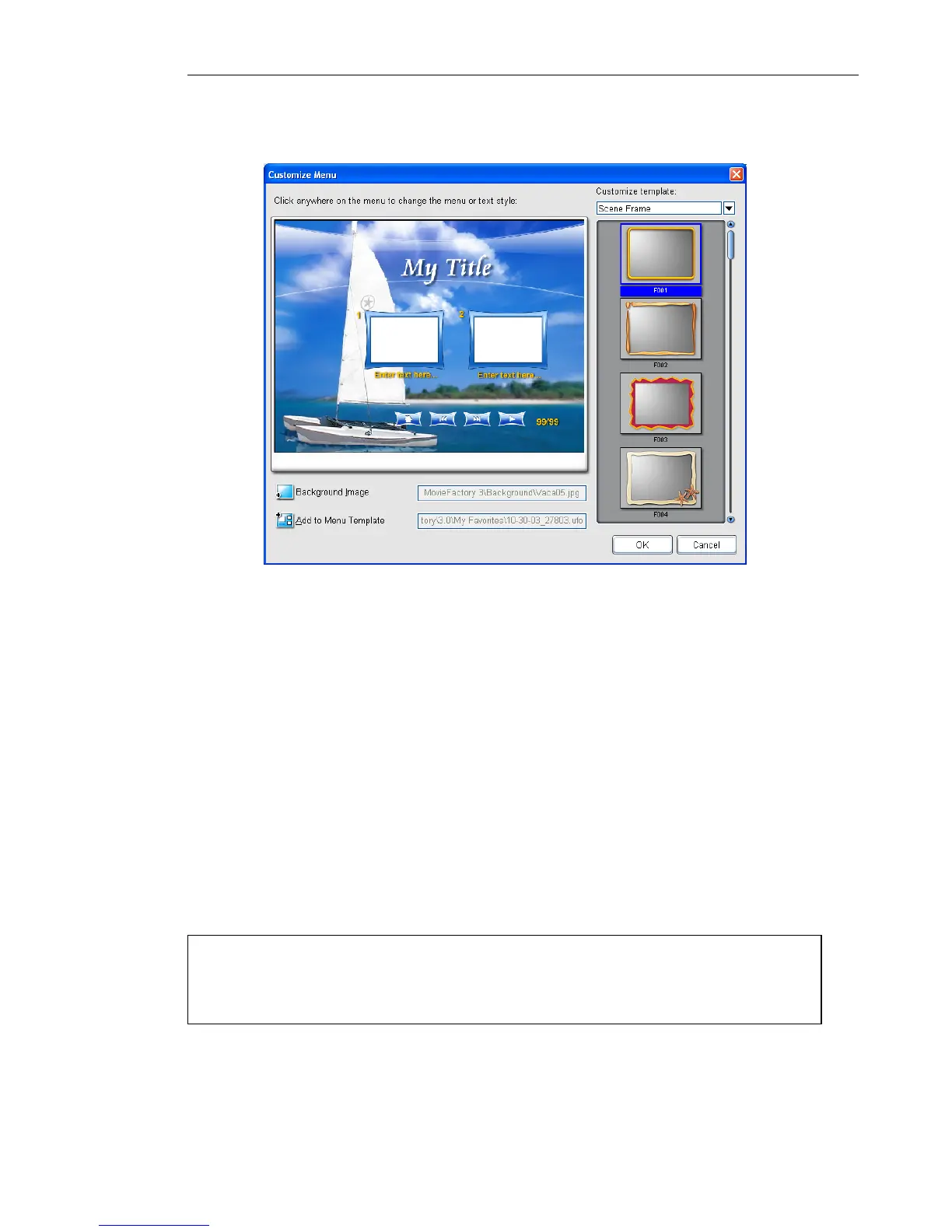
To create your own menu template:
1. Click Customize in the Edit Menu page to open the Customize
Menu dialog box.
2. Select a menu template to modify in Customize template.
3. Double-click the thumbnail of the Layout, Scene Frame, or
Navigation Button that you want to use.
4. To choose a new image to use as background, click Background
Image.
5. Click anywhere in the Preview window and select either
Customize Menu Heading Style or Customize Text
Description Style to modify it.
6. If you want to save the menu template for later use, click Add to
Menu Template and enter a file name.
Note: To use your menu template, go to Menu template
library at the Edit Menu page and select My Favorite from the
list. Double-click your menu template to apply.



 To Next Page