ULEAD DVD MOVIEFACTORY USER GUIDE 43
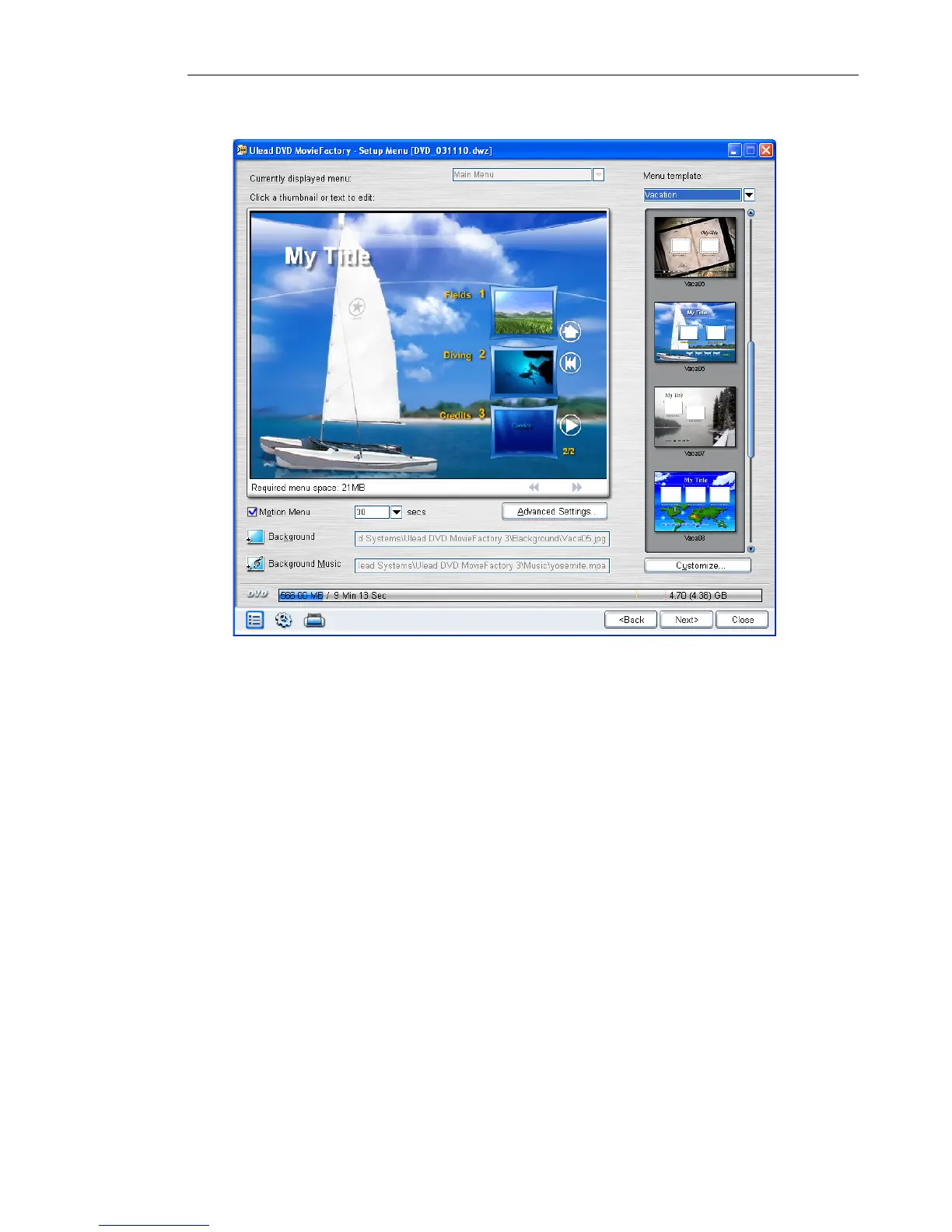
To design the menu for your project:
1. In the Add/Edit Media page, select Create Menu.
2. Click Next to open the Edit Menu page.
3. Select the menu to modify in Currently displayed menu.
4. Select a template layout category in Menu template in Menu
Template then double-click on a template layout thumbnail to
apply it. Click Customize if you want to make changes to the
layout.
5. Select Motion Menu and specify the duration for the moving
elements in the menu.



 To Next Page