ULEAD DVD MOVIEFACTORY USER GUIDE 57
8. Select the menu template and click Background Image or
Background Music to add background image and music. Click
OK.
9. Click Create Chapter to automatically add chapters with a
specific time interval.
10.Select the desired output format in Format. Select Customize
to open the Video and Audio Capture Property Settings
dialog box where you can adjust the settings for your captured
video.
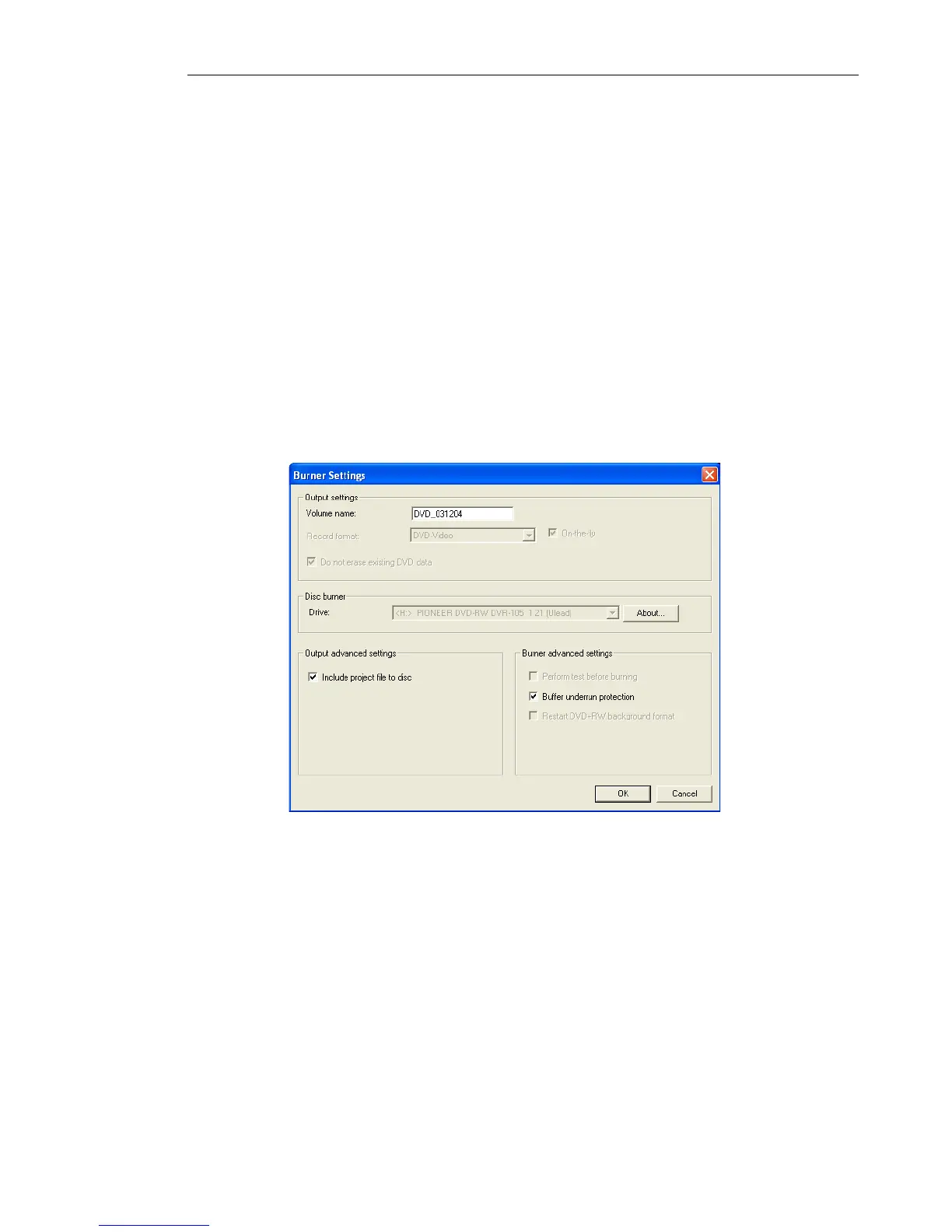
11.Click Burner Settings to set the disc burner options and
properties. See “The Output Options dialog box” for more
details.
12.Click Advanced Settings to adjust more capture options.
13.Locate the starting point of your video to capture then click
Start Capture. Click Pause Capture to pause the capturing
process. Click Stop Capture to end the capturing process.
14.After successfully burning your disc, a dialog box appears from
which you can select the next step after the burning process.
• Return to Start page allows you to save the current project
and begin a new one.



 To Next Page