ULEAD DVD MOVIEFACTORY USER GUIDE 63
• Shadow Select to apply a shadow to the image.
• Shadow color Click to choose the desired image shadow color.
• X-offset Enter the horizontal distance of the shadow from the
selected image.
• Y-offset Enter the vertical distance of the shadow from the
selected image.
• Transparency Adjust the transparency of the shadow by
entering a value or using the slider.
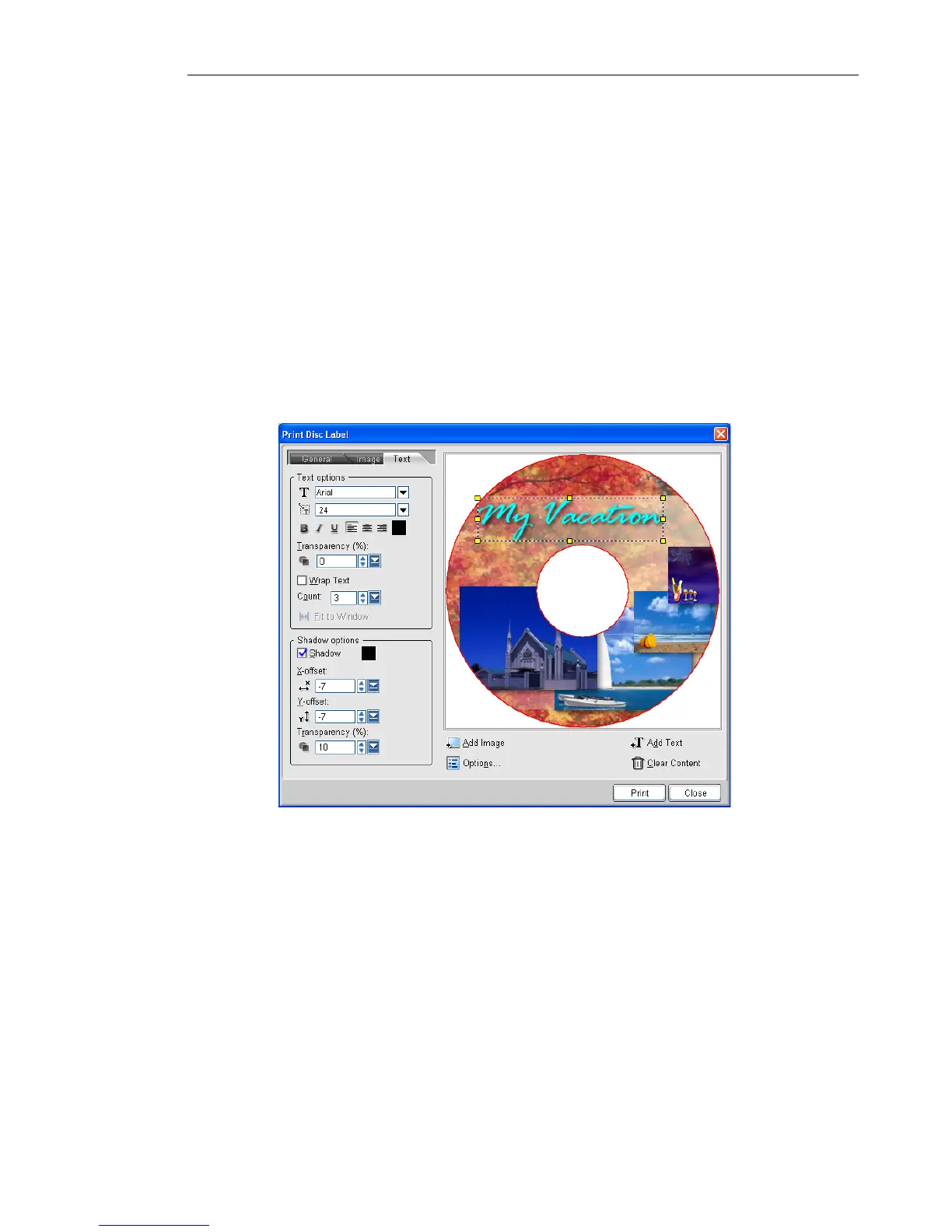
The Text tab allows you to add and format text.
• Wrap Text Select to wrap the text into a circle.
• Fit to Window Click to fit the text to the disc label or cover
layout. The text will be stretched proportionally and centered
horizontally and vertically.
• Shadow Select to apply a shadow to the text.
• Shadow color Click to choose the text color.
You can also choose the following tasks to help you with designing
your disc label.



 To Next Page