48
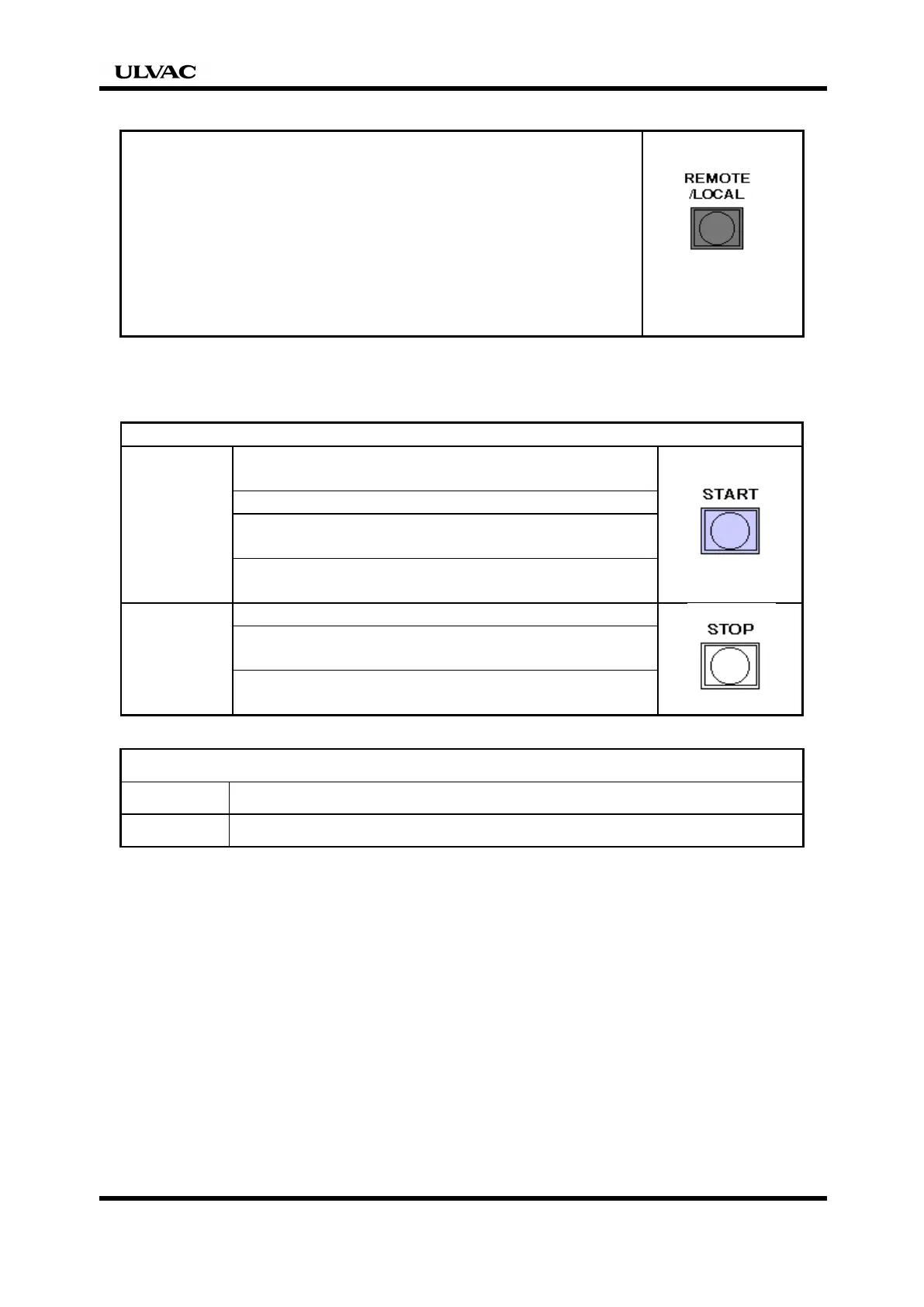
3.3 Selecting LOCAL (manual)/REMOTE
(a) Local (manual) operation Switch to use
Mode for manual start and stop of the pump
(b) Remote operation
Mode for starting and stopping the pump by
switch operation on the system.
The run mode is selected with the
REMOTE/LOCAL switch on the controller.
3.4 Start and Stop
LOCAL operation
Run
displayed on the controller display.
Switch to use
Press the [START] switch on the controller.
The pump starts and the [RUN] lamp on the
controller lights.
[CONDITION / RUNNING] or status is
displayed on the controller display.
Stop
Press the [STOP] switch on the controller.
The pump stops and the [RUN] lamp on the
controller goes off.
displayed on the controller display.
REMOTE operation
Run Turn on Pump start signal. The pump starts.
Stop Turn off Pump start signal. The pump stops.


 To Next Page