49
3.5 Checking the Pump Run Status
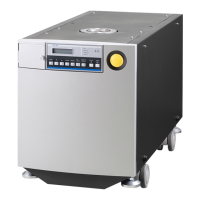
This pump is equipped with multiple sensors, allowing the pump status to be
checked on LCD.
<Operation> (example)
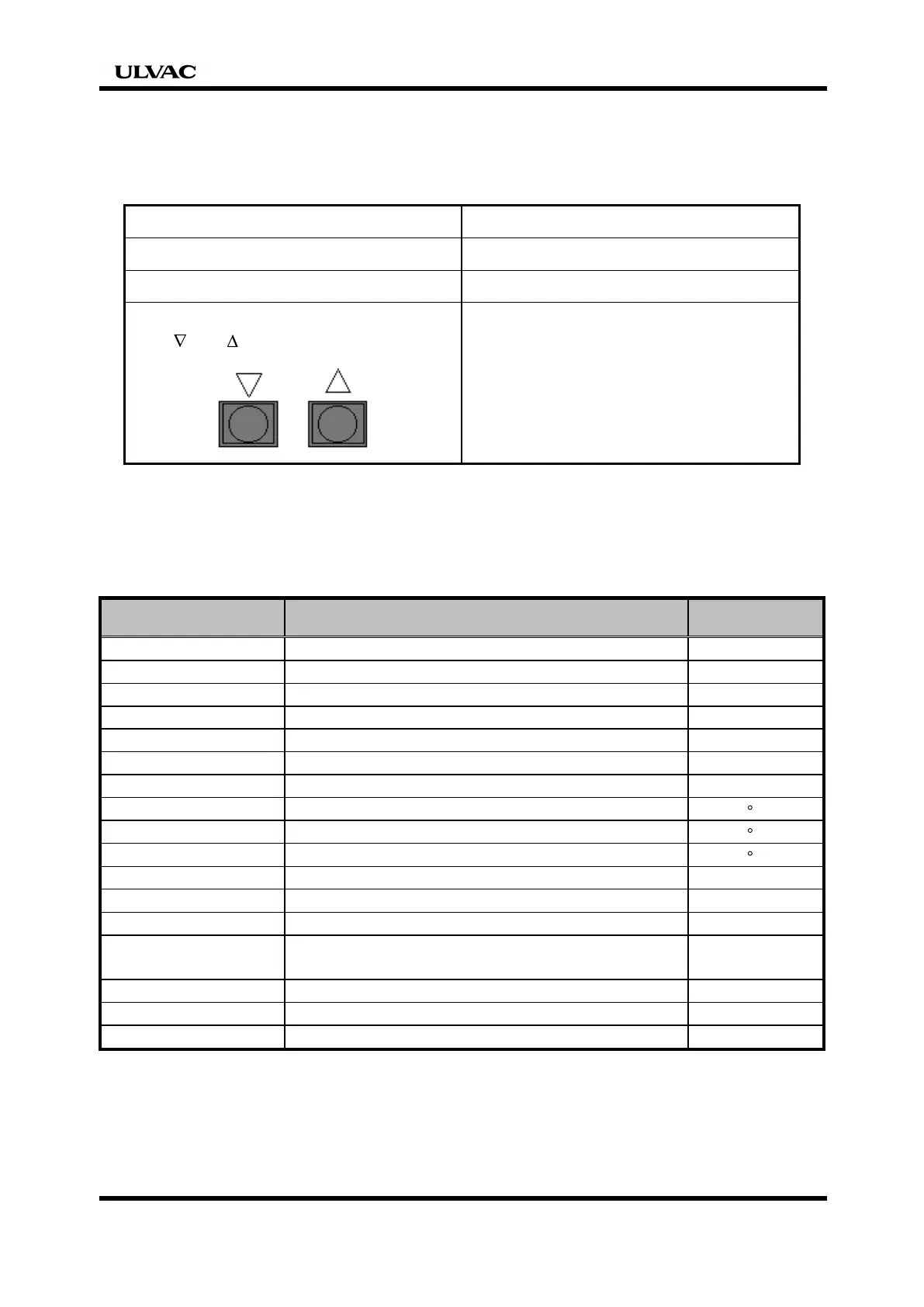
Operation Controller display
1. Turn ON the breaker. CONDITION / STAND-BY
2. Start the pump. CONDITION / Running
3. Display an item to
[ ] or [ ] switch.
N2 Purge Flow 4.3 SLM
↓
Water Flow 3.0 L/min
↓
DRP Pump TEMP 55℃
If an item selected last is left as it is for one minute or more, the subsequent display
during pump start will be that item.
List of monitor items (standard specification)
Display item Display content
Unit of display
CONDITION Displays the pump run status. -
N2 Purge Gas Displays the N
2
purge gas (seal, ballast) flow rate. SLM
WATER FLOW Displays cooling water flow rate. L/min
EX. PRESS. Displays the pressure of exhaust pipe. M Pa
MBP revolution Displays the booster pump run frequency rpm
DRP CURRENT Displays the motor input current of primary pump. A
MBP CURRENT Displays the motor input current of booster pump. A
DRP PUMP TEMP Displays primary pump temperature. C
MBP PUMP TEMP Displays booster pump temperature. C
EX. PIPE TEMP Displays exhaust pipe temperature. C
MODE Displays the pump run mode. -
OPTION VALVE Displays the state of the option valve. -
Auto Purge Time Displays the setting time of the auto purge-function. Sec
CONTACT Displays the setting-output of the contact function.
(A or B contact)
-
Running Time Displays integrated pump run hours. Hr
Time Displays the current time and date. yy/mm/dd /time
LANGUAGE Displays the selected language.(Japanese or English)
-


 To Next Page