a.
b.
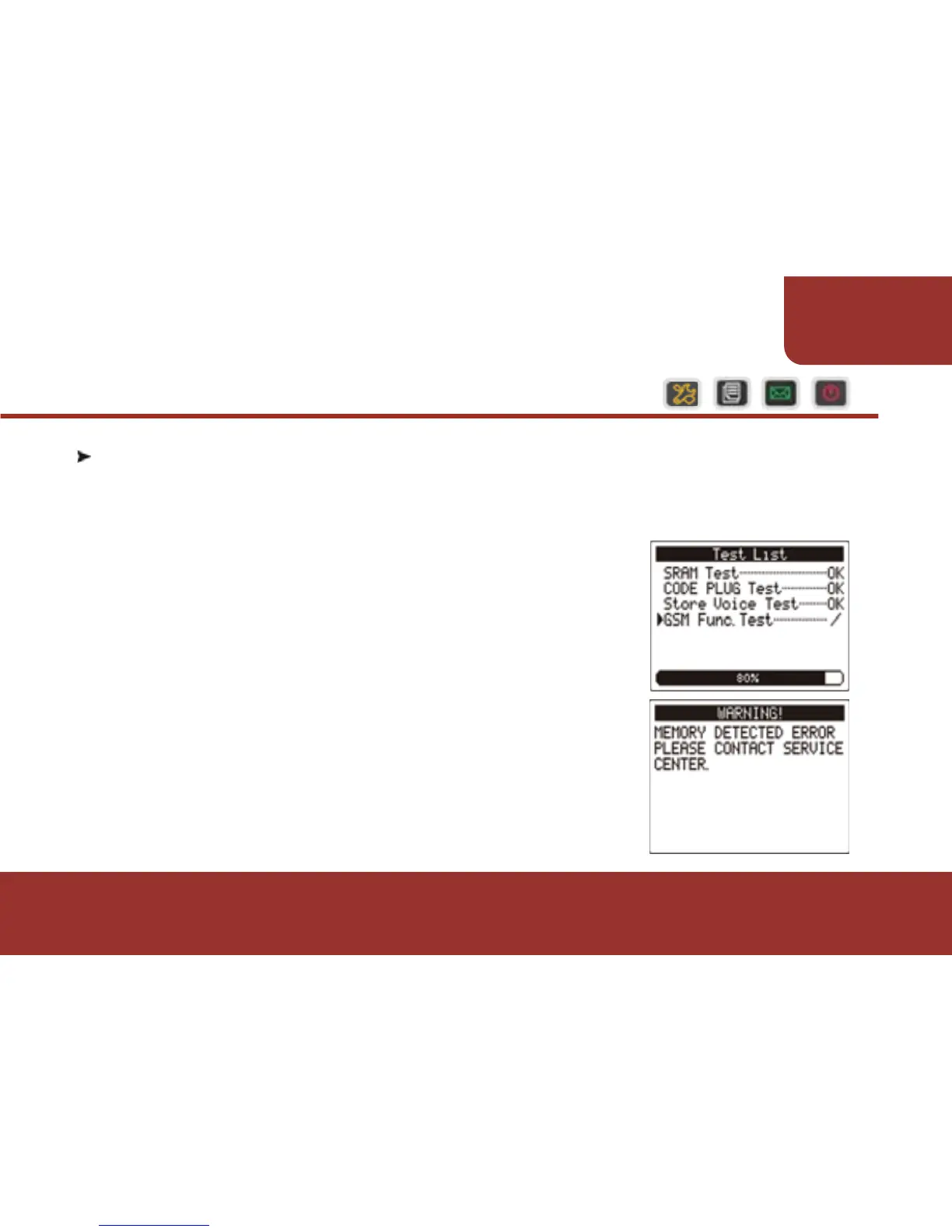
The testing status and result will be displayed
on the screen.
If there is any error found, a warning will be
displayed on the pager screen. Please contact
a Unication representative agent for more
information.
6-1. SELF TEST
When the E5 turns on, it automatically reverts to the “SELF TEST” to
determine if the pager is working normally.
6. SELF TEST
21
TURNING
ON THE PAGER



 To Next Page