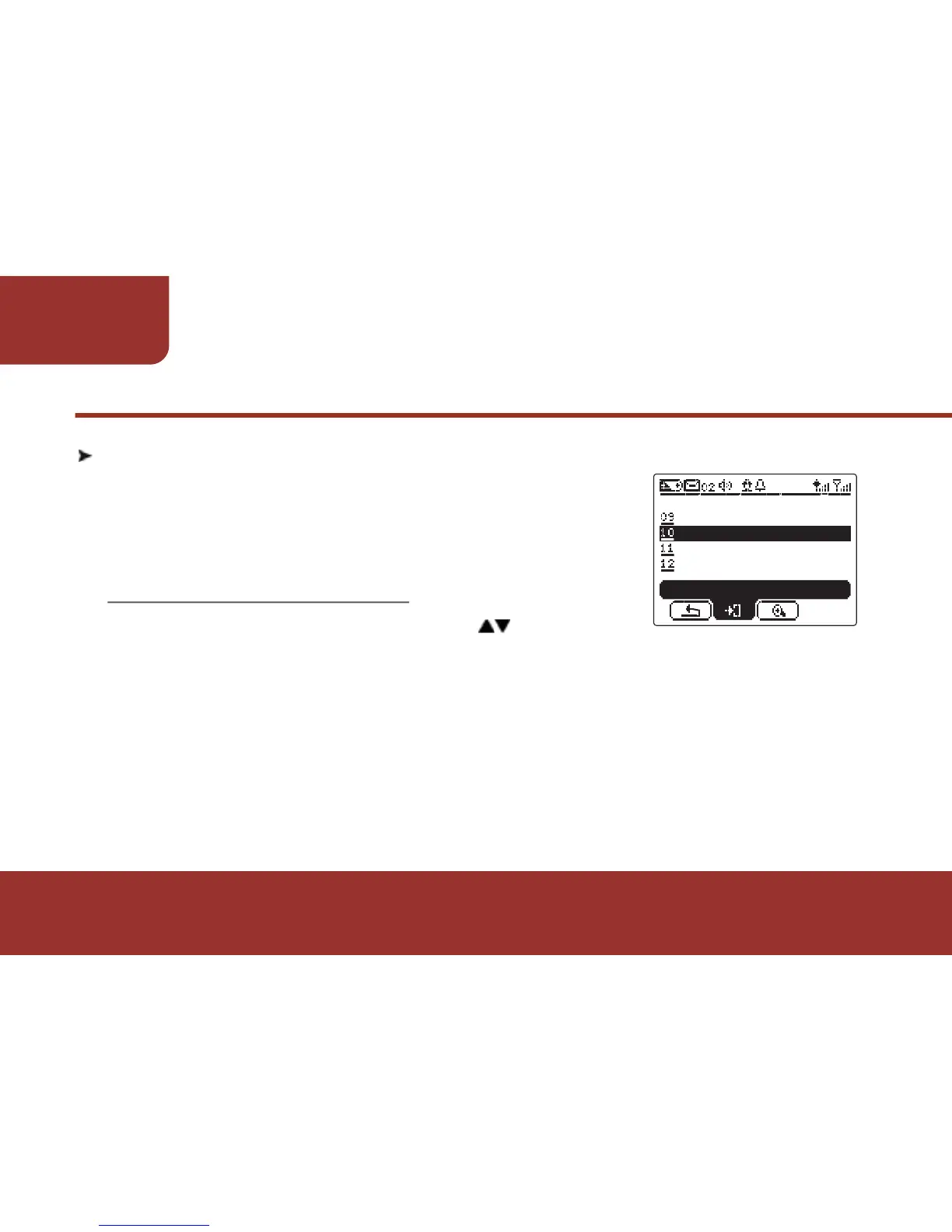
11-10 KEY LOCK
The E5 provides KEY LOCK to lock on the
buttons to avoid any buttons are pressed by
accident.
a.
b.
c.
After entering SETTINGS, press to move to
"KEY LOCK".
Press OK KEY to enter " KEY LOCK ", the cursor will stay on “ON”.
Press OK to enable the KEY LOCK.
If Key Lock is enabled when the pager is not operated for a period
of time, it will process to screen saving. All the buttons are locked,
except for OK key which is used to read the latest message.



 To Next Page