80
SETTINGS
b-1.
b-2.
b-3.
11-12. RF TEST
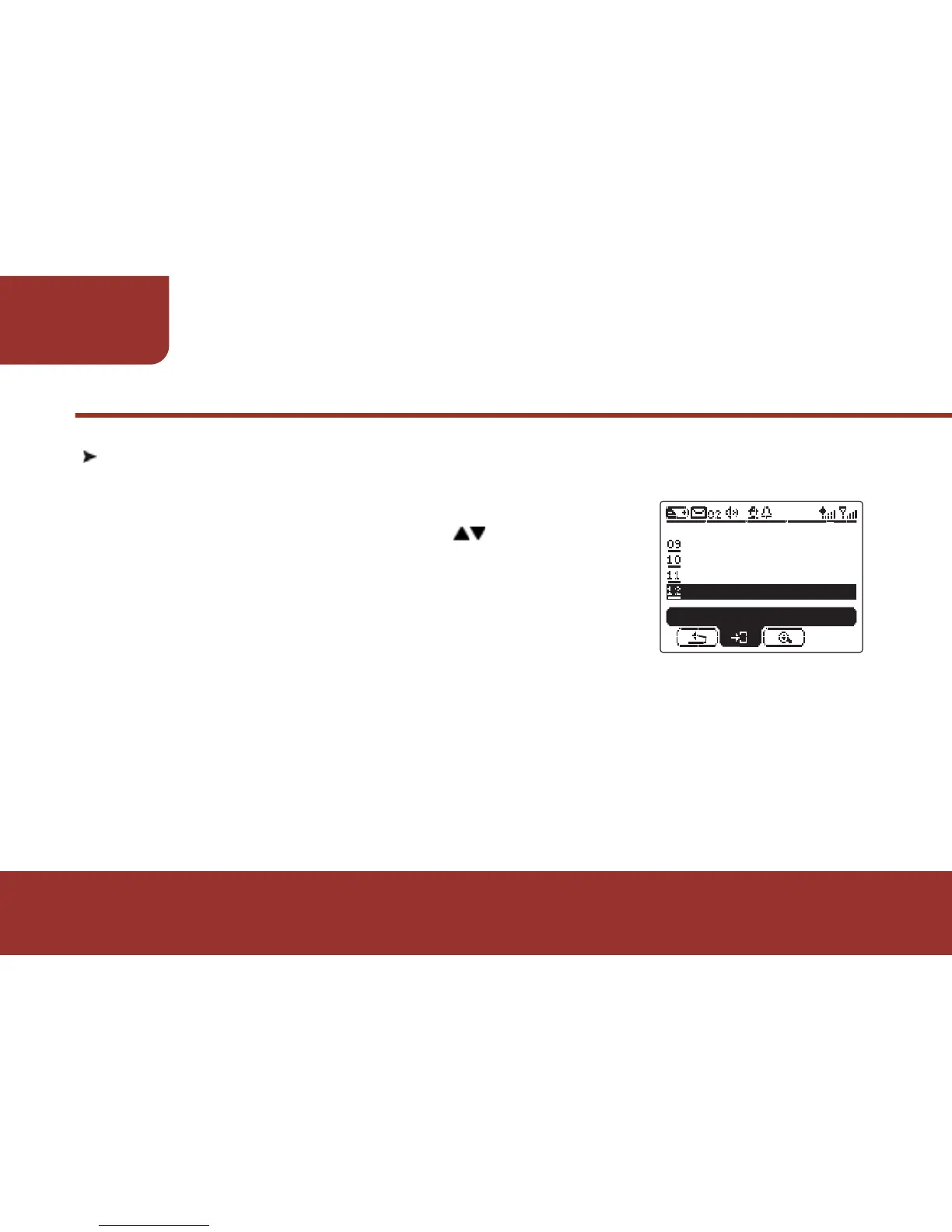
The E5 provides an RF TEST for you to check if the pager is
located in good RF signal receiving area:
a. In SETTINGS screen, press to move to
"RF TEST"
b. Press OK KEY to start RF testing.
When RF Testing is enabled, the pager
will turn on the speaker and start to detect
the RF signal.
If there is clear regular tones generated from the pager. It
means there is RF signal transmitting on the air, also the
pager is located in good signal receiving area.
If there is only white noise generated from the pager, the
pager may be located in low signal receiving area or out of
RF receiving range.
If there is no any noise heard, please contact with a Unication
agent for further examination.
CALENDAR
KEY LOCK
SETTINGS
BACKLIGHT
ENTER
RF TEST



 To Next Page