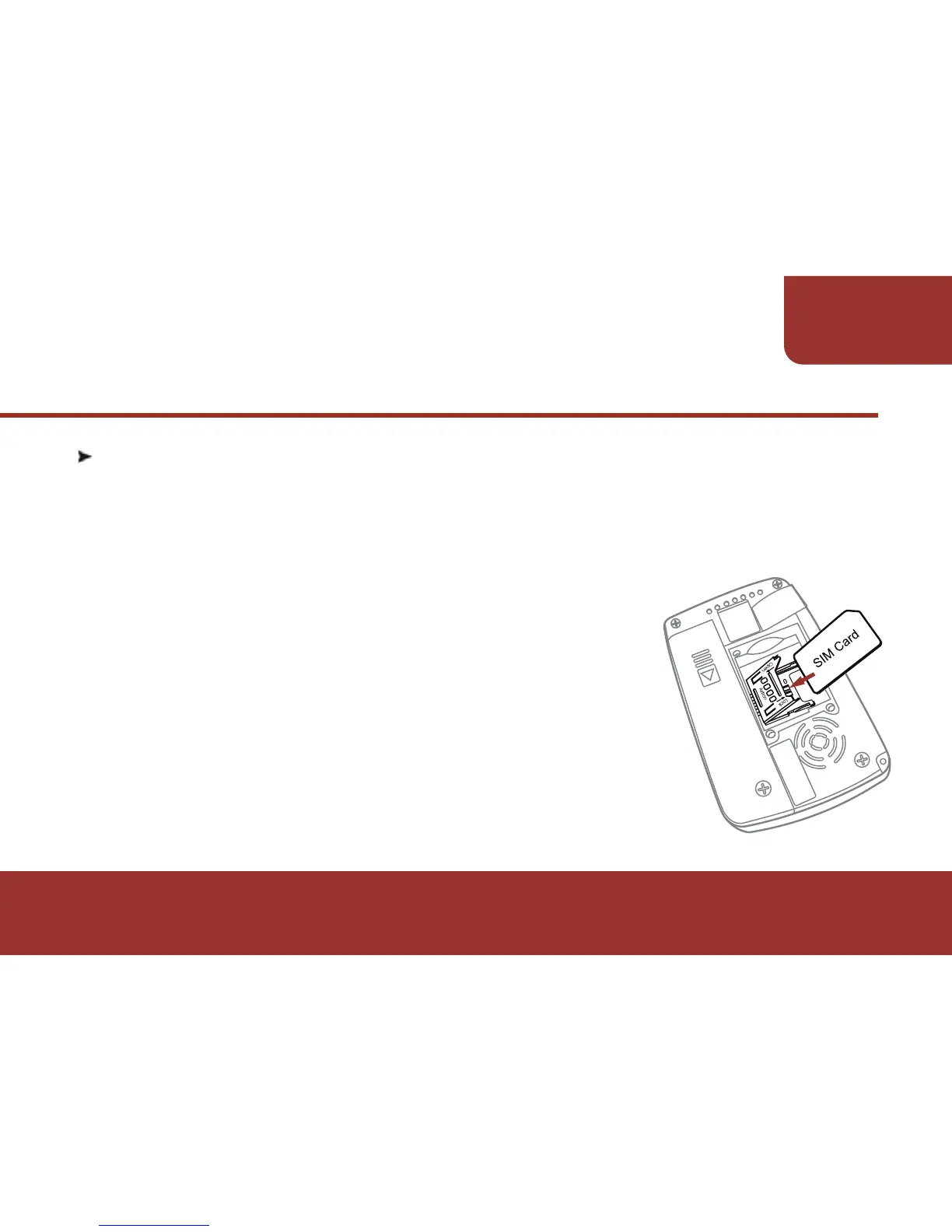
3-2. SIM CARD INSTALLATION (GSM MODEL)
Before using the E5 GSM model, you have to install a GSM SIM
card, which is provided by your network service agent. Please
follow the below steps to install the SIM card.
a. Loose the 4 screws which are on the pager rear
housing.
b. Remove the pager rear housing.
c. Lift the SIM card holder.
d. Insert the GSM SIM card then place the SIM
card holder back.
e. Slide the SIM card holder forward to lock the
SIM card.
5
PAGER
INTRODUCTION



 To Next Page