a. Press MENU KEY, the MAIN MENU will display
on the screen.
b. Press then OK KEY to move to SETTINGS.
11-1. PROFILE
a. After entering SETTINGS, the cursor will stay
on PROFILE.
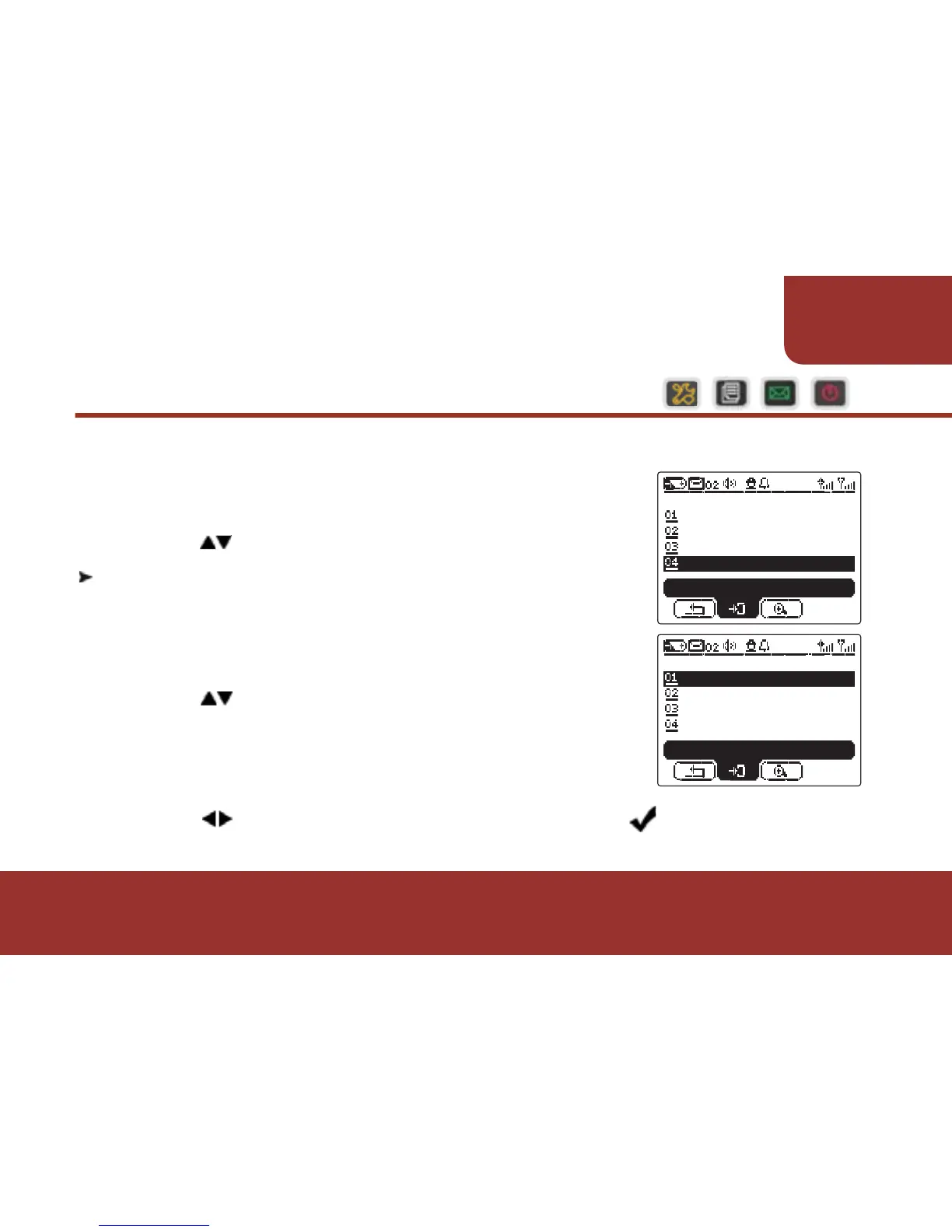
b. Press OK KEY, the PROFILE list will display.
c. Press to select the profile that you want to
activate.
When “Muliti-Profile” is activated, you are
allowed to activate more than one Profile.
d. Press OK KEY to confirm the selection, a will label with
the profile that you just selected.
51
SETTINGS
There are more features you can activate in SETTINGS.



 To Next Page