26
MESSAGE
8. MESSAGE
8-1. READ MESSAGE
When the E5 receive messages, the pager will generate a message
alert as an indication to remind the pager user that there is a new
message received.
When “Auto Display” is enabled in the PPS, the
received message content will be displayed on the
LCD automatically.
Read the displayed new message via pressing OK
key or read key. If there is no any key pressed within
a default period, the message will be still taken as
unread message. The unread message alert will be
generated to remind the pager users.
If the “Auto Display” is enabled, the pager generates message alert
when it receives a new message. The messages will be stored in the
assigned folder. There are 3 ways to read the received messages:
a.
b.
c.
d.
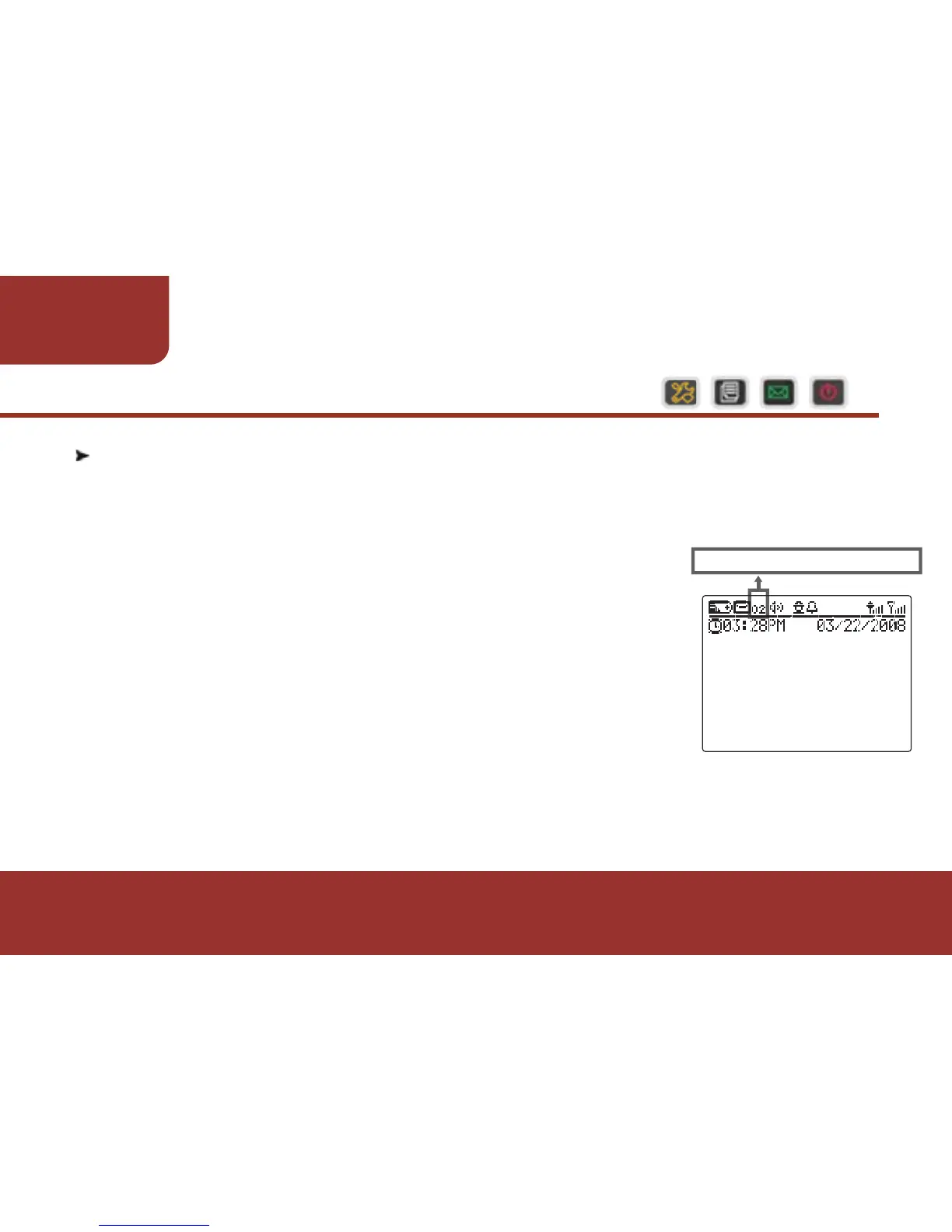
There are two unread messages.
PROFILE 01
E5 BASIC TYPE



 To Next Page