70
SETTINGS
11-6. CHANGE PASSWORD
If the password feature is activated by pager
programming software, your pager will be
programmed with (a 2- 8 inputs) password for
message protection.
You may change the password yourself:
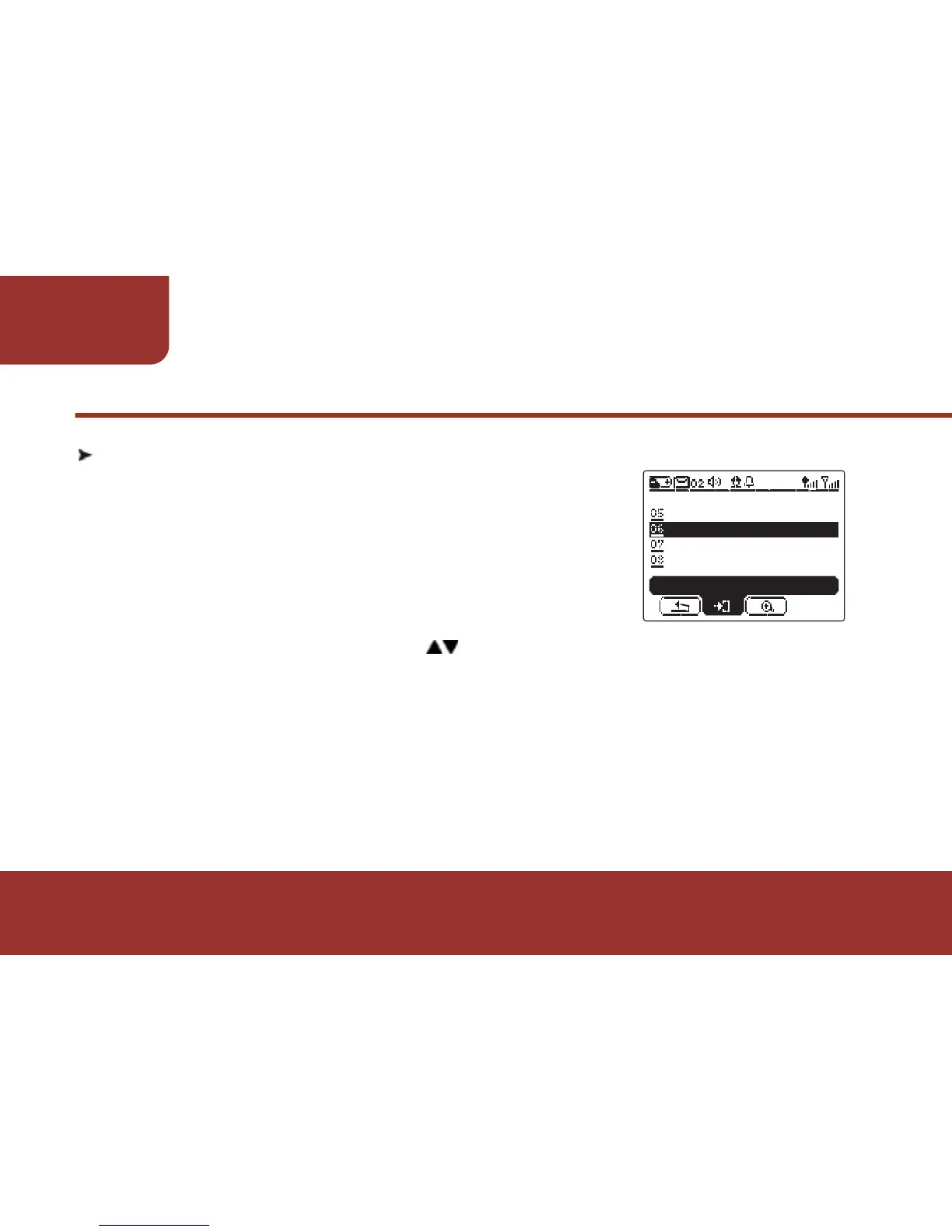
a. In SETTINGS screen, press to move to "CHANGE PASSWORD",
then press OK KEY to enter this feature.
b. After entering the "CHANGE PASSWORD", there will be a
space for you to enter the pre - set password. The cursor will stay
on the first digit.
LCD CONTRAST
SETTINGS
CHANGE PASSWORD
ALERT SETTING
ENTER
VOLUME



 To Next Page