81
SETTINGS
11-13. SELF - PROGRAMMING
The E5 provides the flexibility for you to add a
new frequency, receiving baud rate and capcode
manually.
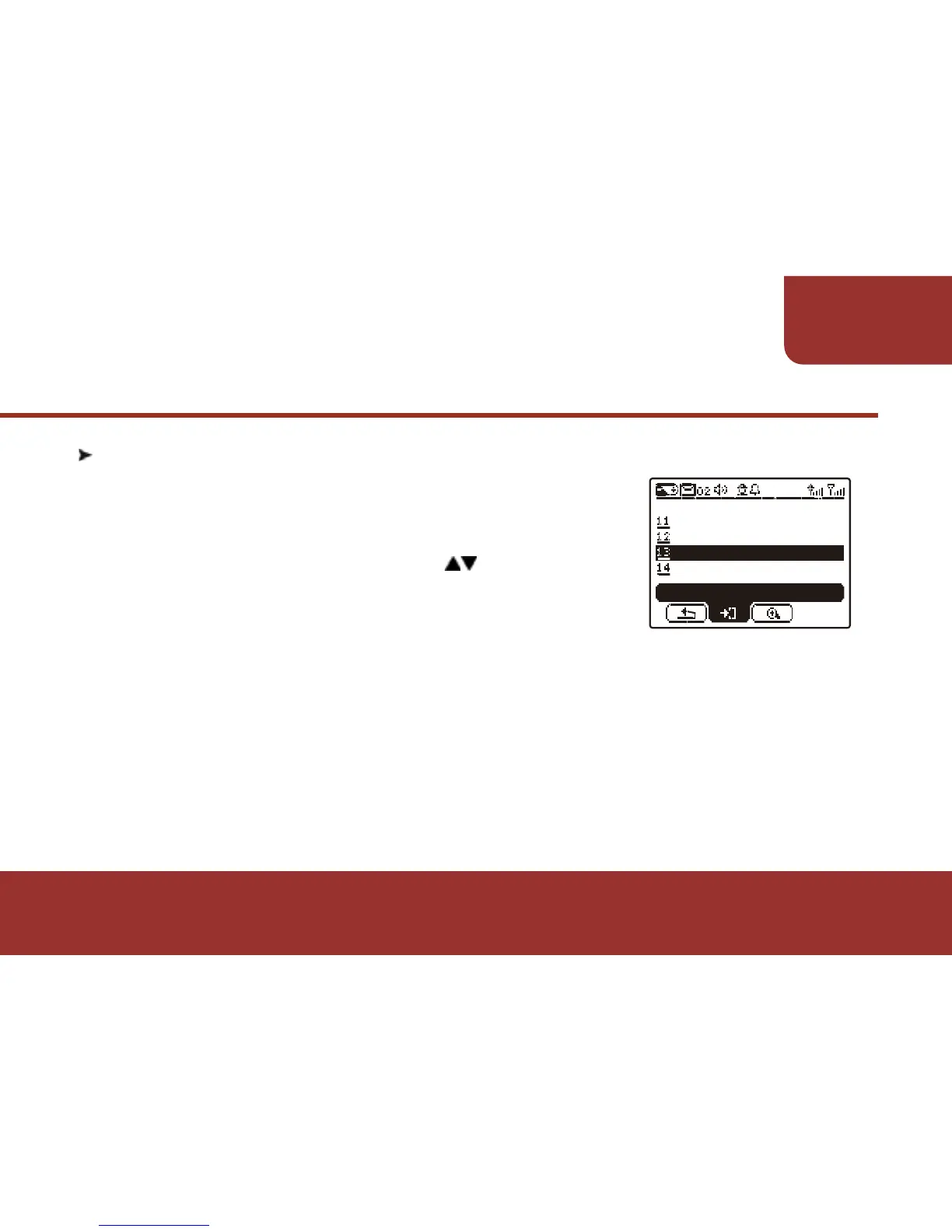
a. In SETTINGS screen, press then OK Key
to enter "SELF PROGRAM". "SELF
PROGRAM" must be activated by
programming software. If your E5 doesn’t
support this feature, please contact with your supervisor.
b. In "SELF PROGRAM" mode, there are 5 settings for you to set up.
(1) FREQUENCY SETTING (2) BAUD RATE SETTING!!!!!
(3) CAPCODE NO. (4) CAPCODE SETTING!!!!
(5) SAVE SETTINGS
In order to receive the messages correctly, please make sure the
programming information is correct.



 To Next Page