85
SETTINGS
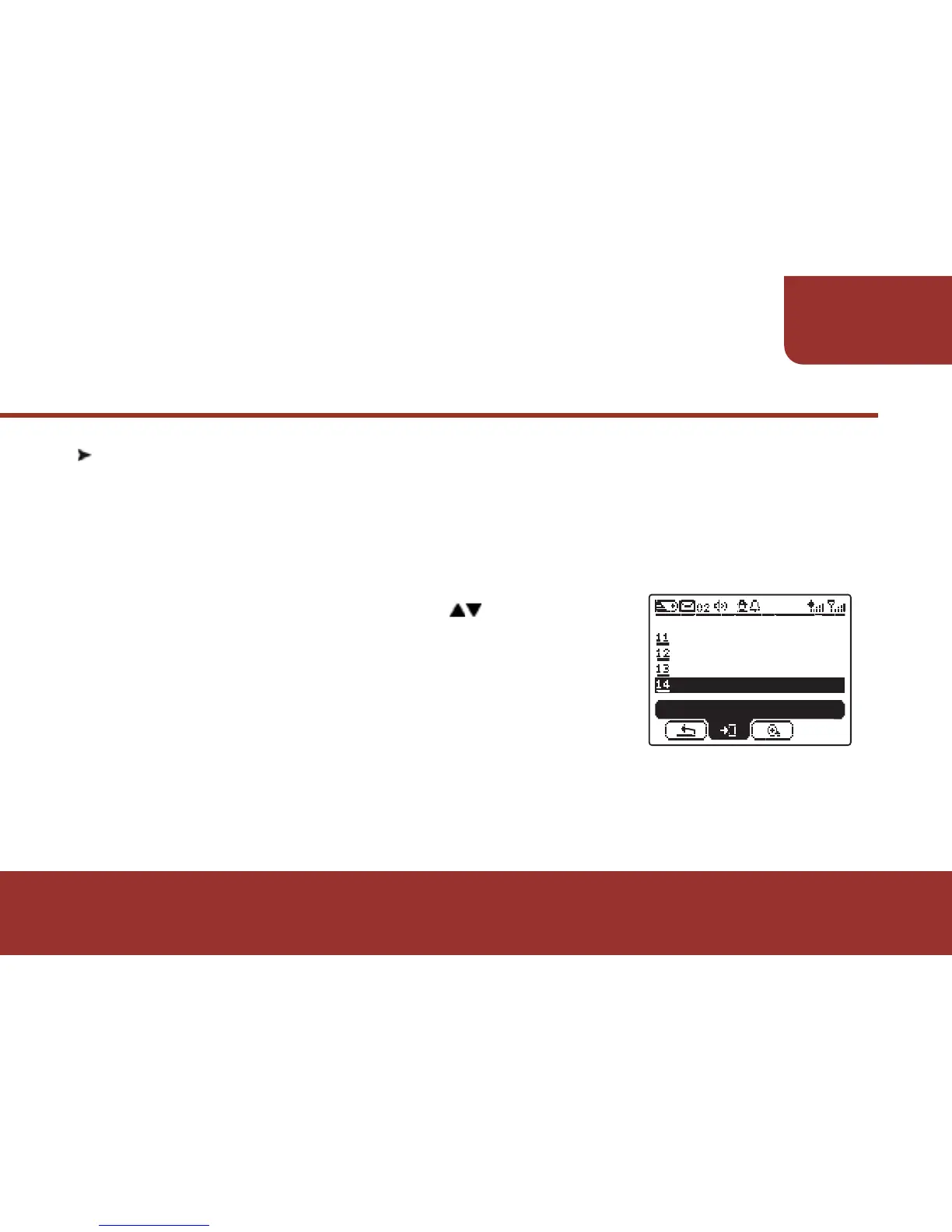
a. In SETTINGS screen, press to move to
" INFORMATION ".
b. Press OK KEY to enter INFORMATION screen.
c. There will be 3 types of information shown on
the screen:
11-14. INFORMATION
The INFORMATION provides the basic information of the E5 ,
includes the capacity of memory, remaining battery capacity, and
software version. Please follow the below steps for checking out
the required information.
SELF PROGRAM
RF TEST
CALENDAR
SETTINGS
ENTER
INFORMATION



 To Next Page