8-3. OTHER FEATURES
While reading the messages, the E5 TOOL BAR will provides you
with the following features:
a.
b.
c.
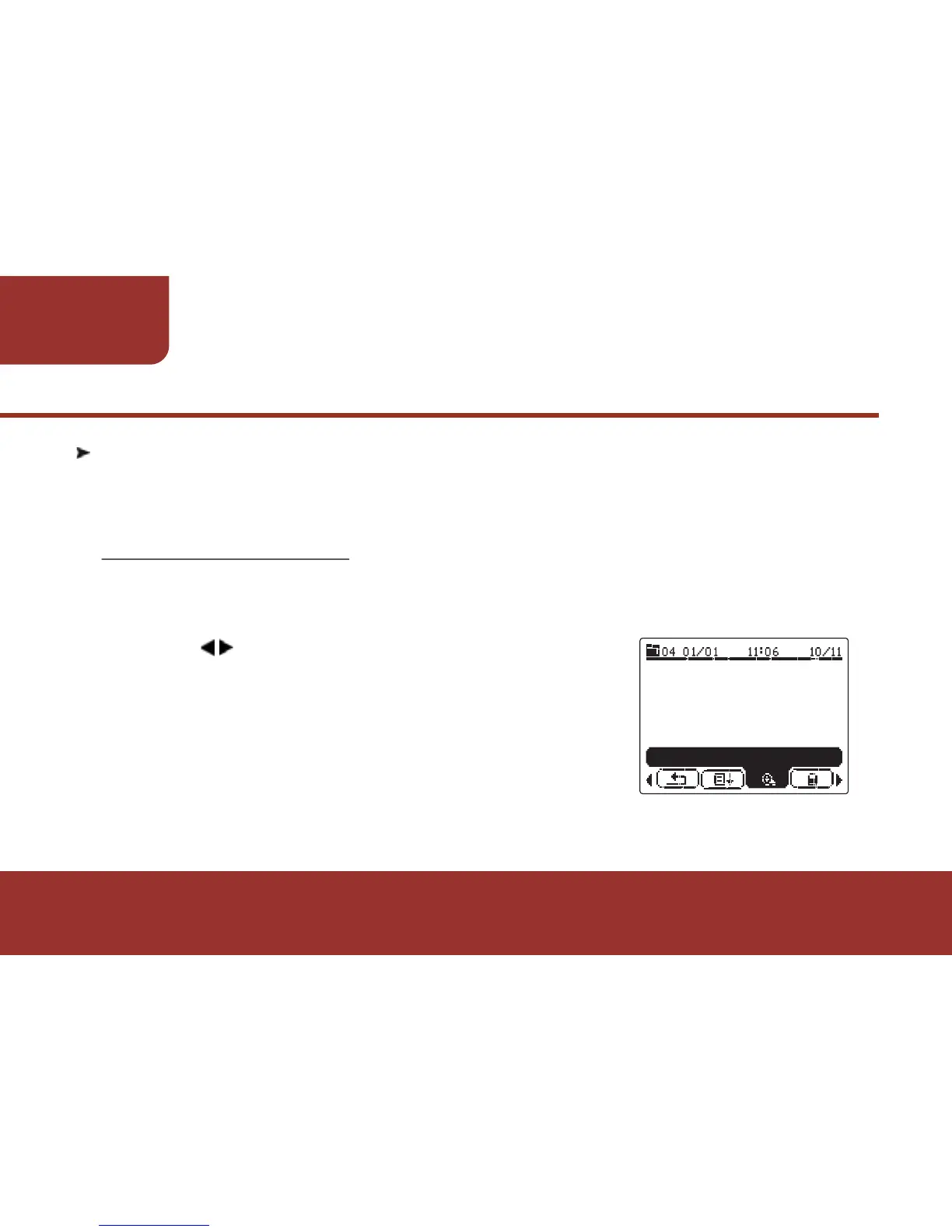
Press to move the cursor to "ZOOM IN".
Press OK KEY to confirm the setting. The
message that you are reading will display
with larger characters immediately.
At this moment, "ZOOM IN" feature will
change to "ZOOM OUT". You may directly
press OK KEY to zoom out the message.
The message will display as default setting.



 To Next Page