75
SETTINGS
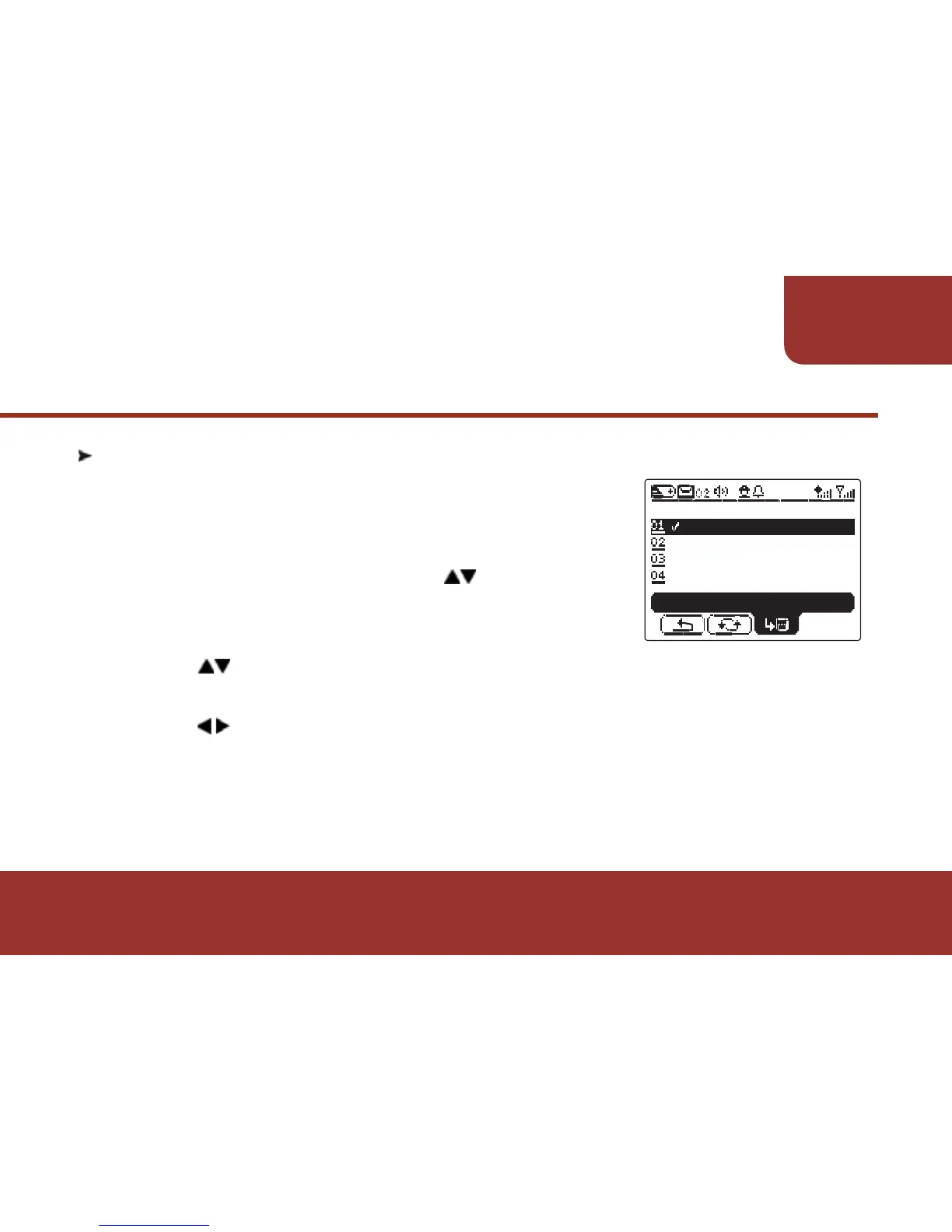
11-9. BACKLIGHT SETTING
The backlight illuminates when the pager receives
messages or any key is pressed in low - light
environment.
a. In SETTINGS screen, press to
"BACKLIGHT".
b. Press OK KEY to enter "BACKLIGHT".
c. Press to move the cursor to select the backlight color.
d. Press OK KEY to confirm your selection.
e. Press to "SAVE".
f . Press OK KEY to save the setting.
After the setting, the backlight you just set up will illuminate when
any key is pressed in low - light environment.



 To Next Page