78
SETTINGS
11-11. CALENDAR
a. After entering SETTINGS, press to move
to "CALENDAR".
b. Press OK KEY to enter "CALENDAR".
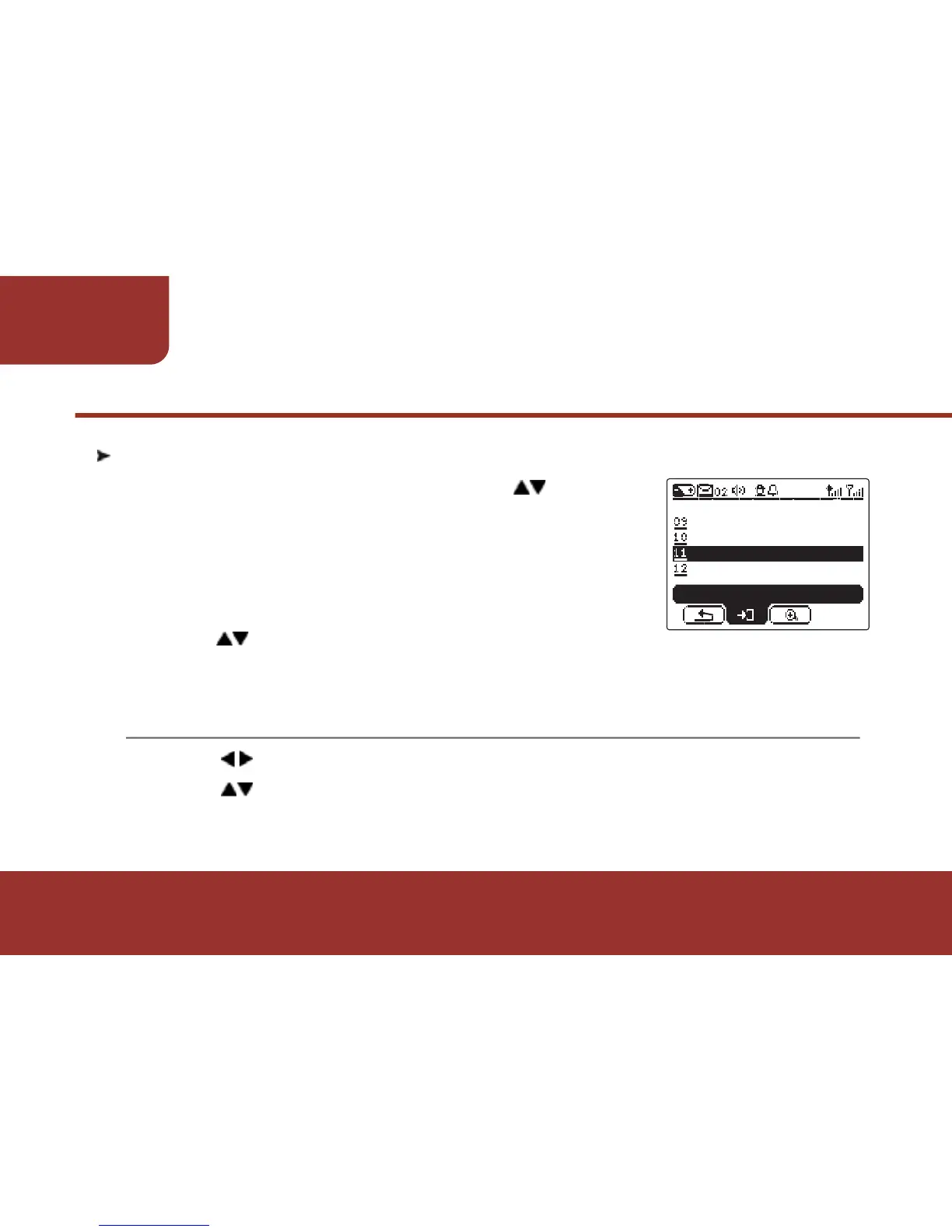
A calendar will display on the screen and the
cursor will stay on the current date.
c. Press to move the cursor to the desired
date.
a.
b.
Press to move to "Month".
Press to adjust the Month.
The calendar will display the specific month as your adjust.



 To Next Page