11-5. ALERT SETTINGS
In Alert Settings, there are 5 features for you to set up:
a. In "SETTINGS" screen, please press to "ALERT SETTINGS".
b. Press OK KEY to enter "ALERT SETTING".
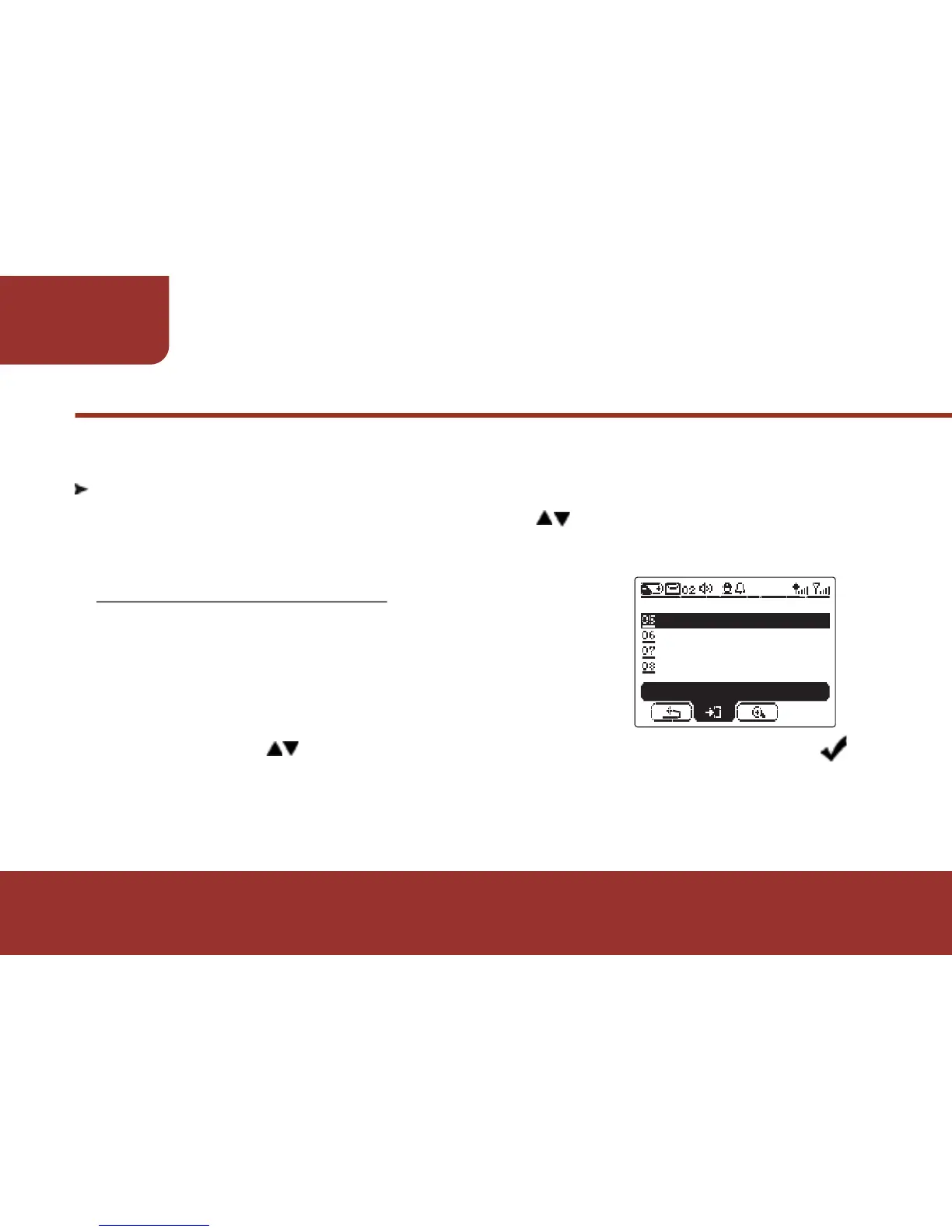
In Alert Settings screen, the cursor will stay
on UNIVERSAL ALERT. Press OK KEY to
enter UNIVERSAL ALERT.
There are three options: audible, vibration and
silent. Press and OK KEY to select the ALERT STATUS. A " "
ICON will display on the selected item.
a.
b.



 To Next Page