The Message List will be displayed with
its folder name, source name and message
preview.
The tool bar features are the same with
"READ MESSAGE".
Ɂ
Ɂ
23
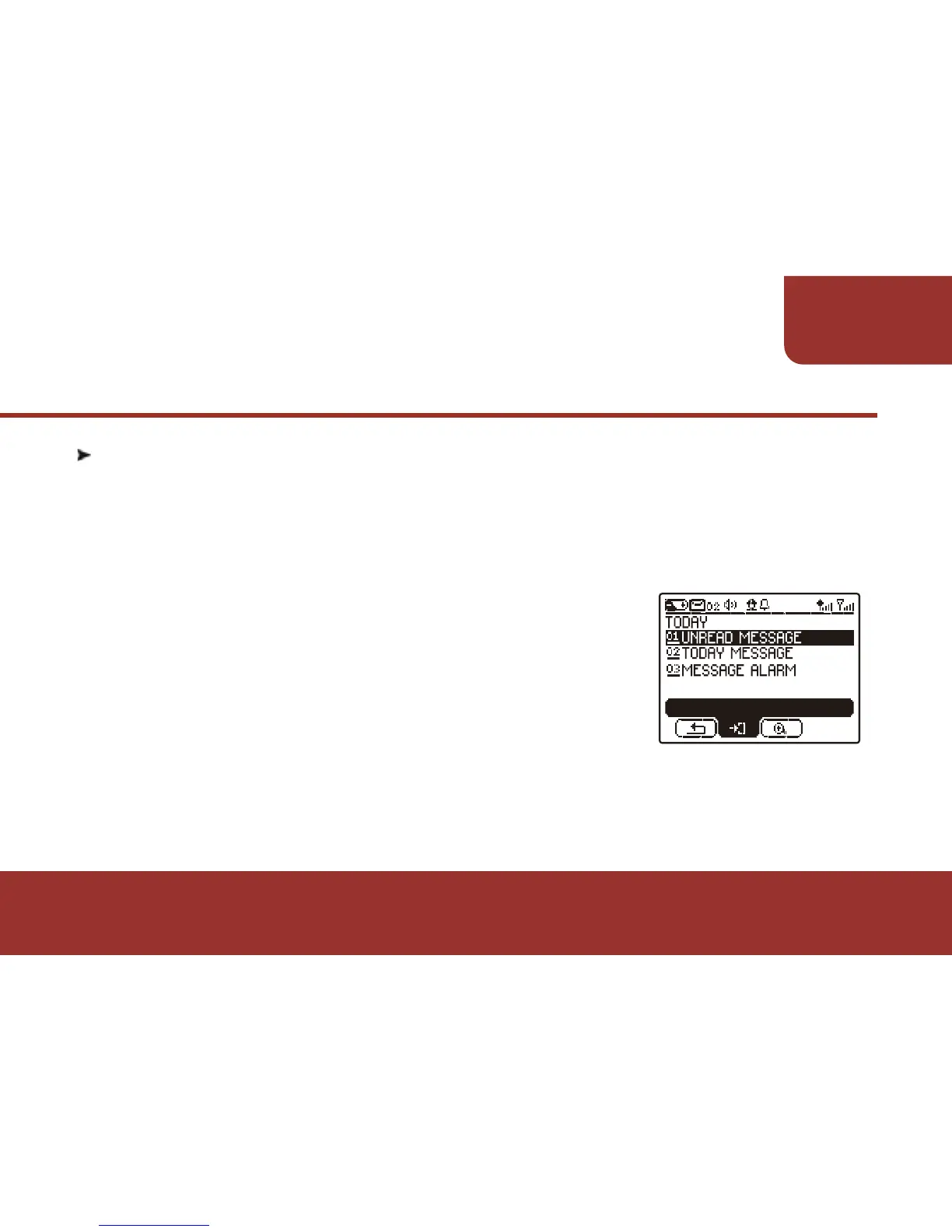
TODAY
7-2. UNREAD MESSAGE
a. After entering the TODAY screen, the cursor will stay on "UNREAD
MESSAGE". Press OK KEY to enter "UNREAD MESSAGE".
All the unread messages received today will be listed in chronological
order.
ENTER



 To Next Page