73
SETTINGS
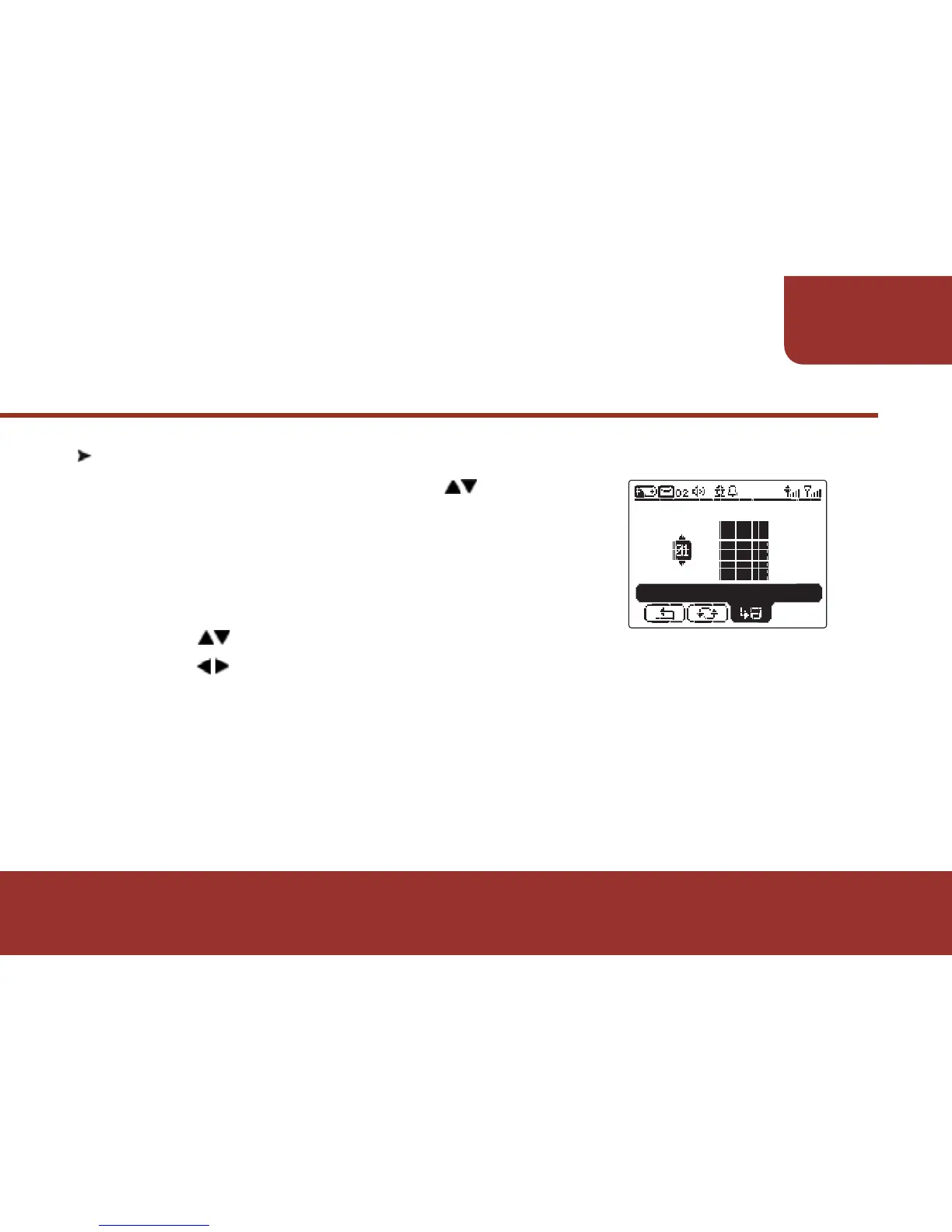
11-7. LCD CONTRAST
a. In SETTINGS screen, press to move to
"LCD CONTRAST". Then press OK KEY to
enter "LCD CONTRAST".
b. After entering "LCD CONTRAST",
the cursor will stay on "Contrast Level".
Press to adjust the "Contrast Level".
c. Press to "SAVE".
d. Press OK KEY to save the setting.
Then the display contrast will display as your setting.
LCD CONTRAST
SAVE



 To Next Page