74
SETTINGS
11-8. VOLUME ADJUSTMENT
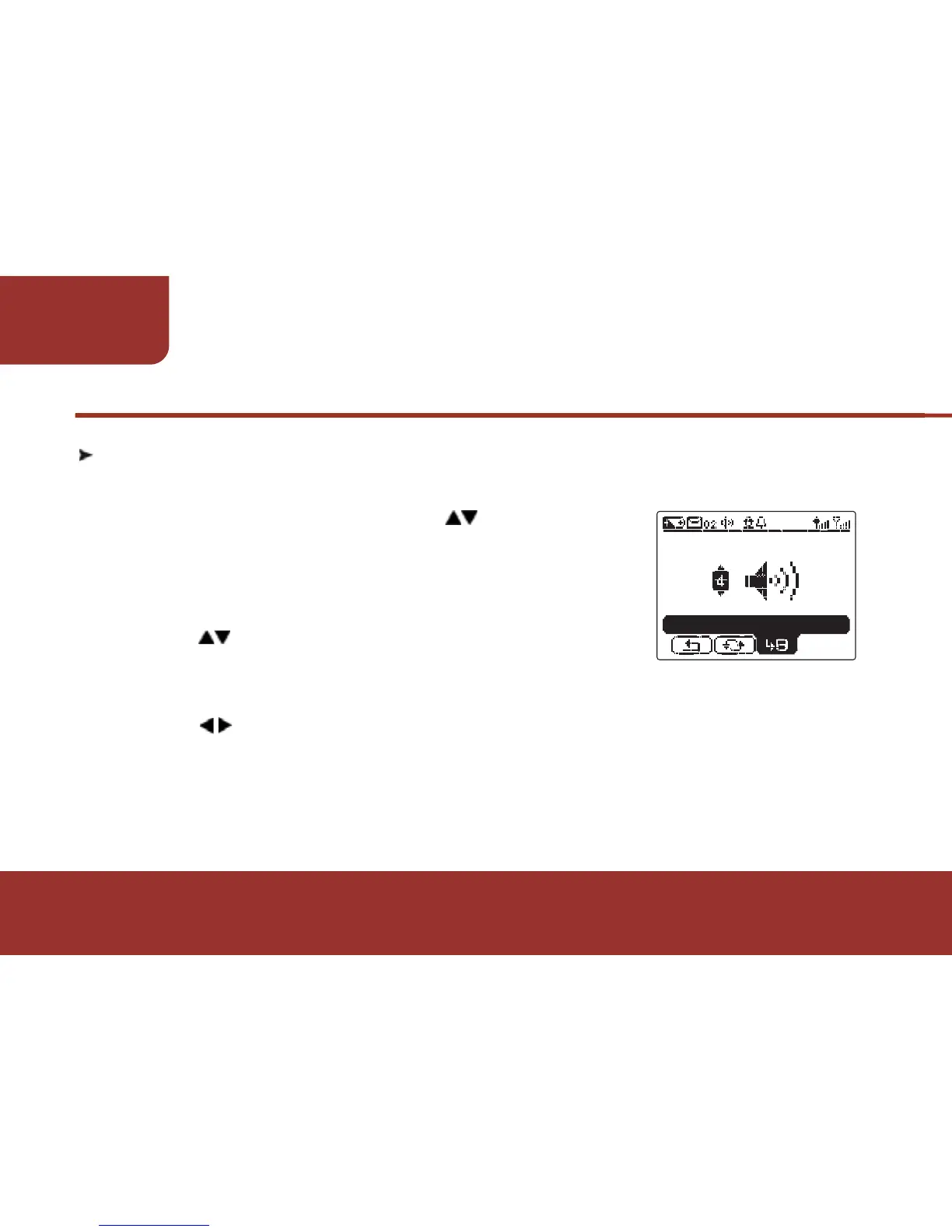
The E5 provides 4 volume levels for you to adjust.
a. In SETTINGS screen, press to move to
"VOLUME".
b. Press OK KEY to enter "VOLUME".
The volume level will display on the screen.
c. Press to adjust the volume. The pager will
activate an alert with the adjusted volume
level.
d. Press to "SAVE".
e. Press OK KEY to save the setting.
A "SAVED" window will pop up and indicate the setting has been
saved.



 To Next Page