25
TODAY
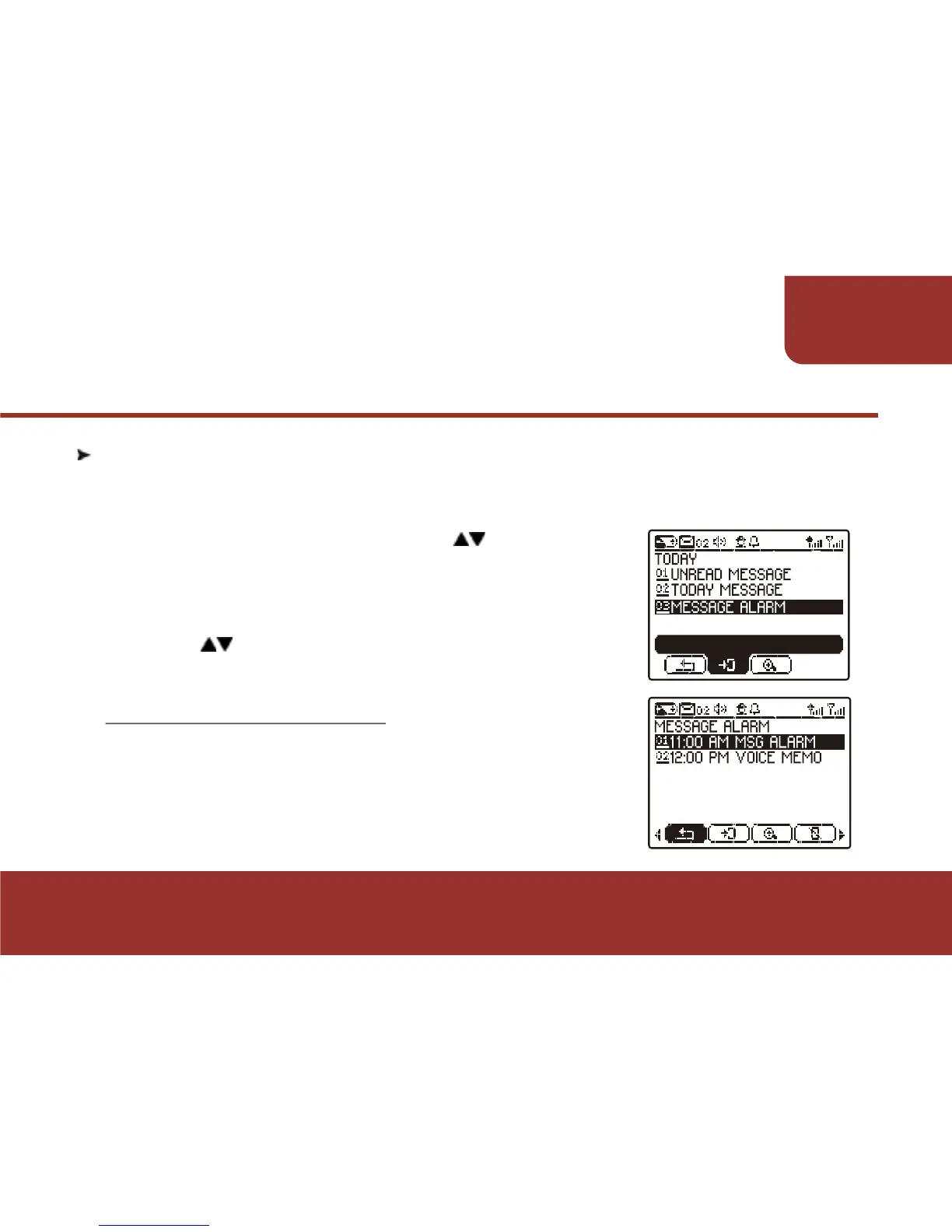
7-4. MESSAGE ALARM
a.
ϡ
b.
In the "TODAY" screen, press then OK KEY
to select and enter " MESSAGE ALARM".
All the message-alarms that will be activated
today are listed in chronological order.!
Press then OK KEY to select and enter the
alarm that you want to look up.
7-4-1. MESSAGE ALARM
If a MESSAGE ALARM is selected, press OK to
display the selected message alarm. The message
content will be displayed on the screen. The TOOL
BAR features are the same with "MESSAGE
ALARM".
The messages alarm that will be activated on the day then the pager
user is operating the pager, will be saved in this folder.
ENTER



 To Next Page