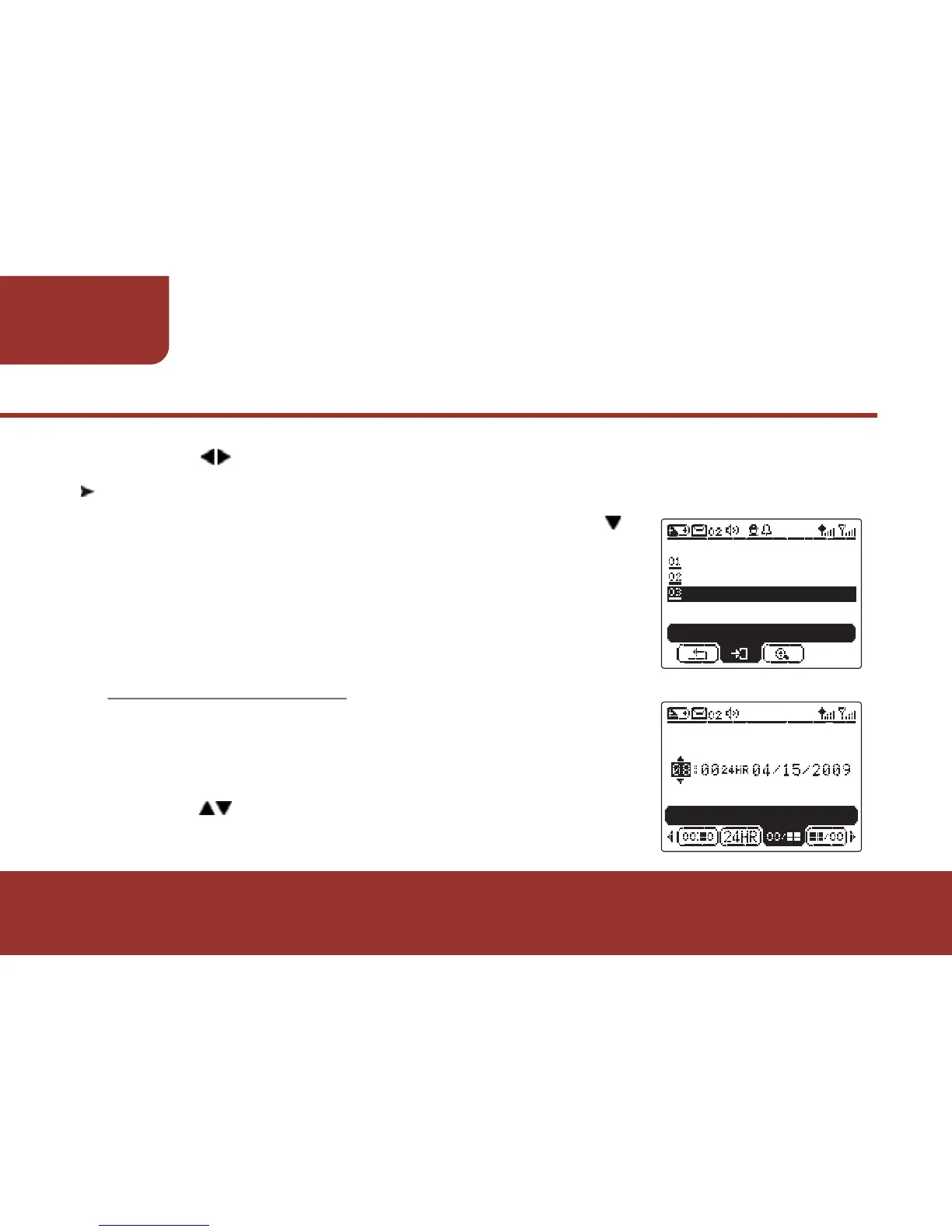
Press OK KEY to enter TIME & DATE.
In TIME & DATE screen, the cursor will stop on
HOUR Setting.
Press to adjust the figures on "HOUR
SETTING."
52
FUNCTION
STATUS
e.
Press to move to "SAVE" and press OK KEY to save the setting.
a.
a.
b.
After entering SETTINGS, please press
to move to TIME & DATE. Press OK KEY to
enter TIME & DATE settings. In TIME &
DATE SETTINGS, you may set up the TIME &
DATE and display format of date.
11-2. TIME & DATE
11-2-1. TIME & DATE
TIME & DATE
DATE FORMAT
DAYLIGHT SAVING
TIME & DATE
ENTER
TIME & DATE
HOUR SETTING



 To Next Page