63
SETTINGS
11-5-2. MESSAGE ALERT
In Alert Settings screen, press and OK
KEY to enter MESSAGE ALERT.
"MESSAGE ALERT" screen will display.
There are 6 items need to be set up :
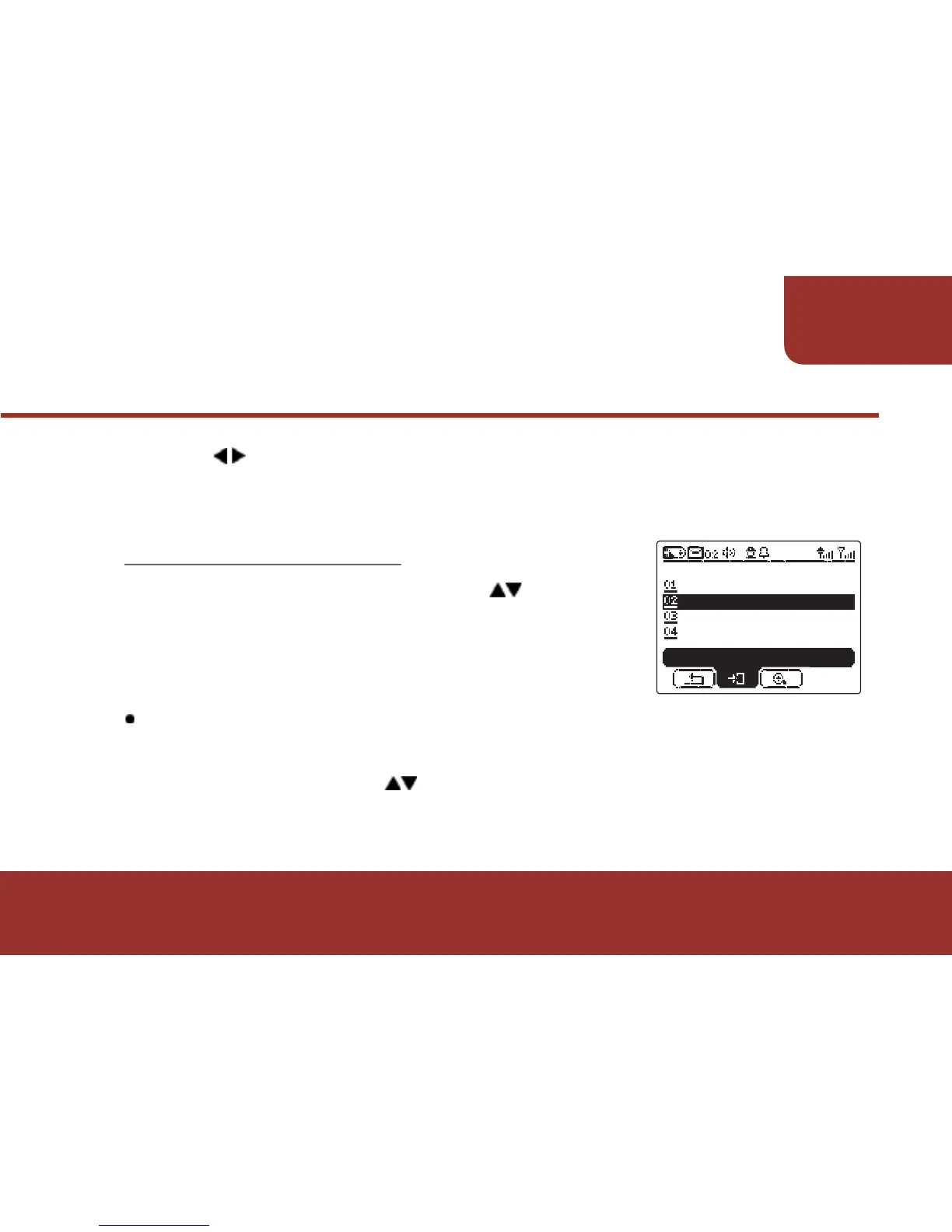
After entering "ALERT SETTING", cursor will stay on
"ADDRESS"/!Press to adjust the "ADDRESS".
Only the address that are programmed to be adjustable will display.
11-5-2-1. ADDRESS SETTING
c.
a.
a.
Ɂ
Press KEY to move to "SAVE" then press OK KEY to save the
setting. The ICON of ALERT STATUS will display on the STATUS
BAR.



 To Next Page