11-5-2-2. ALERT MODE SETTING
a. Press to "ALERT MODE".
b. Press to select the "ALERT MODE".
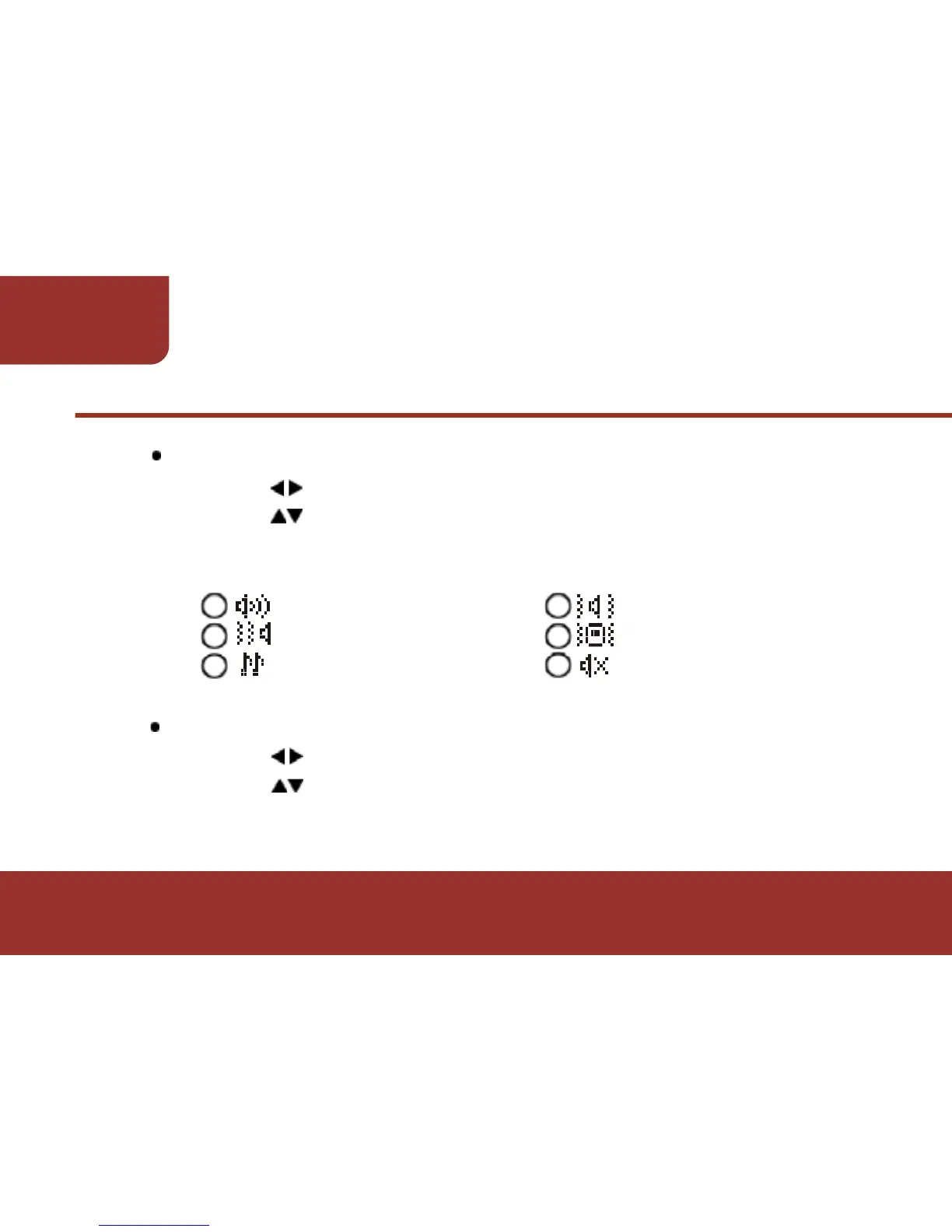
There are 6 modes for you to select:
alert mode alert and vibrate mode
vibrate then alert mode vibrate mode
chirping mode silent mode
11-5-2-3. ALERT PATTERN SETTING
a. Press to move to "ALERT PATTERN".
b. Press to select "ALERT PATTERN".
There are 18 alert patterns for you to select.



 To Next Page