77
SETTINGS
a.
b.
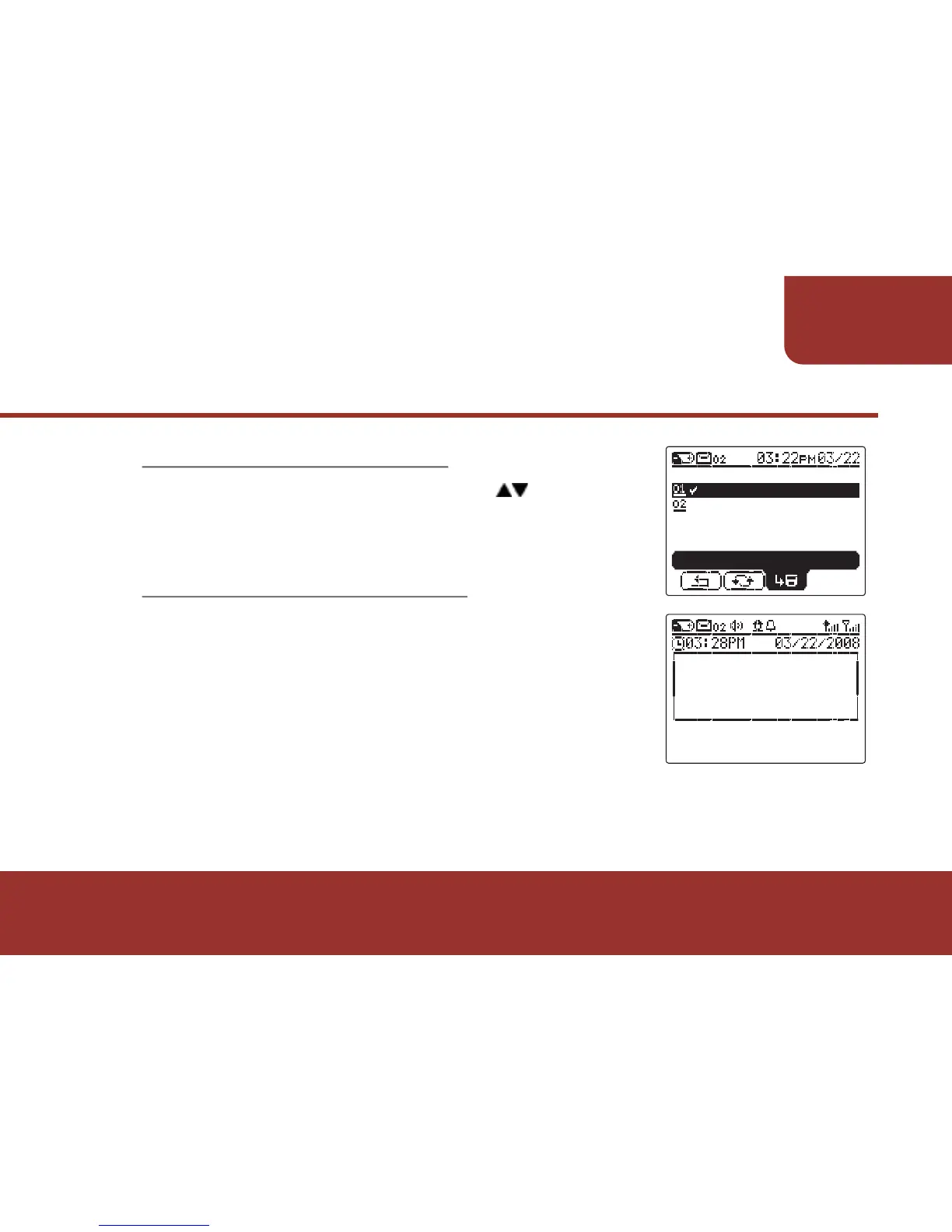
If Key Lock is enabled, press to “OFF”.
Press OK to disable the KEY LOCK.
11-10-2 Disable KEY LOCK
When KEY LOCK is activated and any button
is pressed, a text indication will display and
remind you to press the MENU KEY for 3
seconds to unlock the buttons.
11-10-3 Unlock the buttons.



 To Next Page