84
SETTINGS
11-13-6. SAVE SETTING
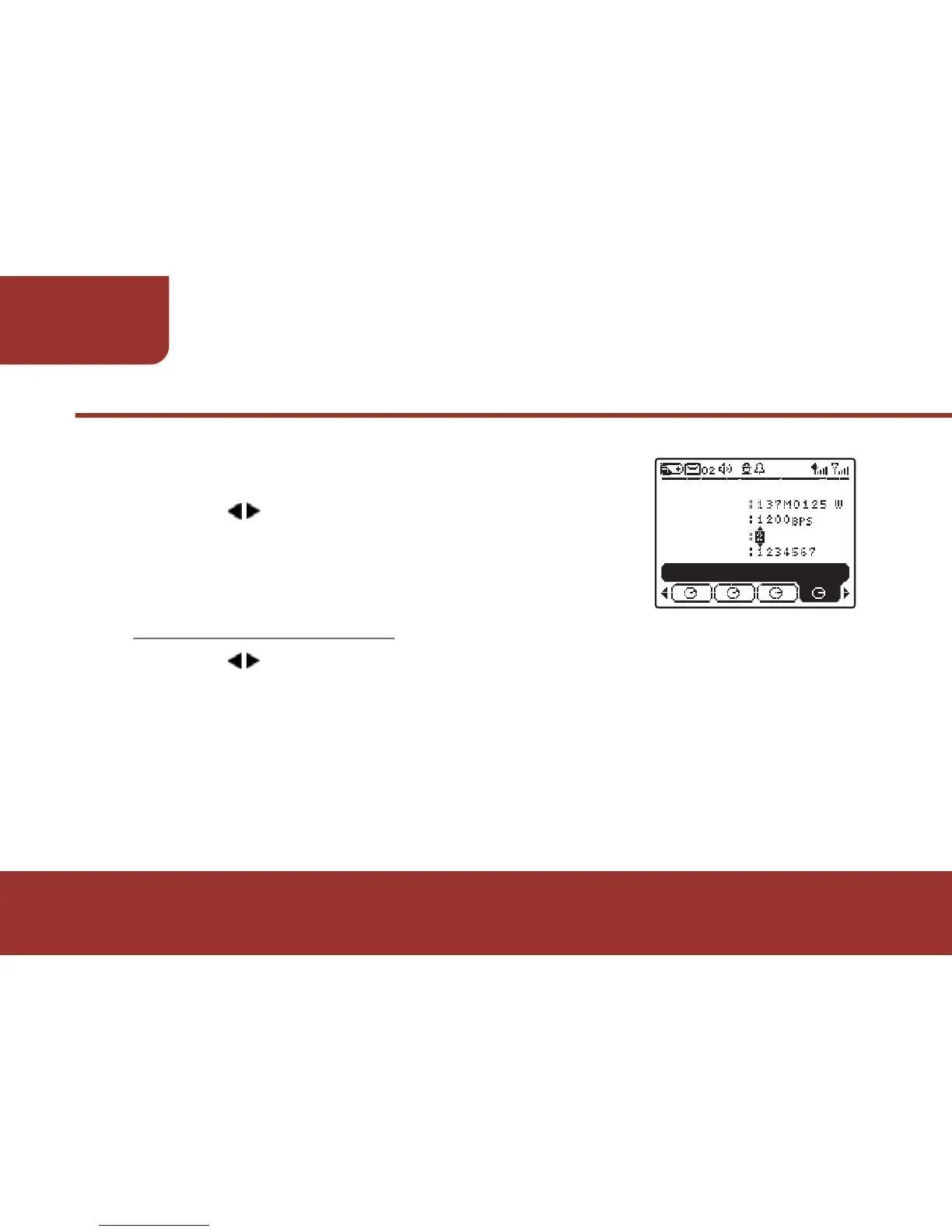
The cursor will move back ADDRESS No.
b. Press OK to add a new ADDRESS No.
c . Press to move the cursor to
CAPCODE to set up the second capcode.
Follow the same steps to create more
capcodes.
Press to "SAVE", then press OK KEY to save the settings.
After saving the settings, the pager will reboot.
The E5 will now switch to receive the messages from
self - programmed frequency. A new profile and new folder will be
activated, and the new profile name will display on stand by mode.
a.
Ɂ!
ADDR NO
FREQUENCY
SELF PROGRAM
BAUD RATE
ADDRESS NO
CAPCODE



 To Next Page