71
SETTINGS
11-6-1. CONFIRM PRE - SET PASSWORD
a.
b.
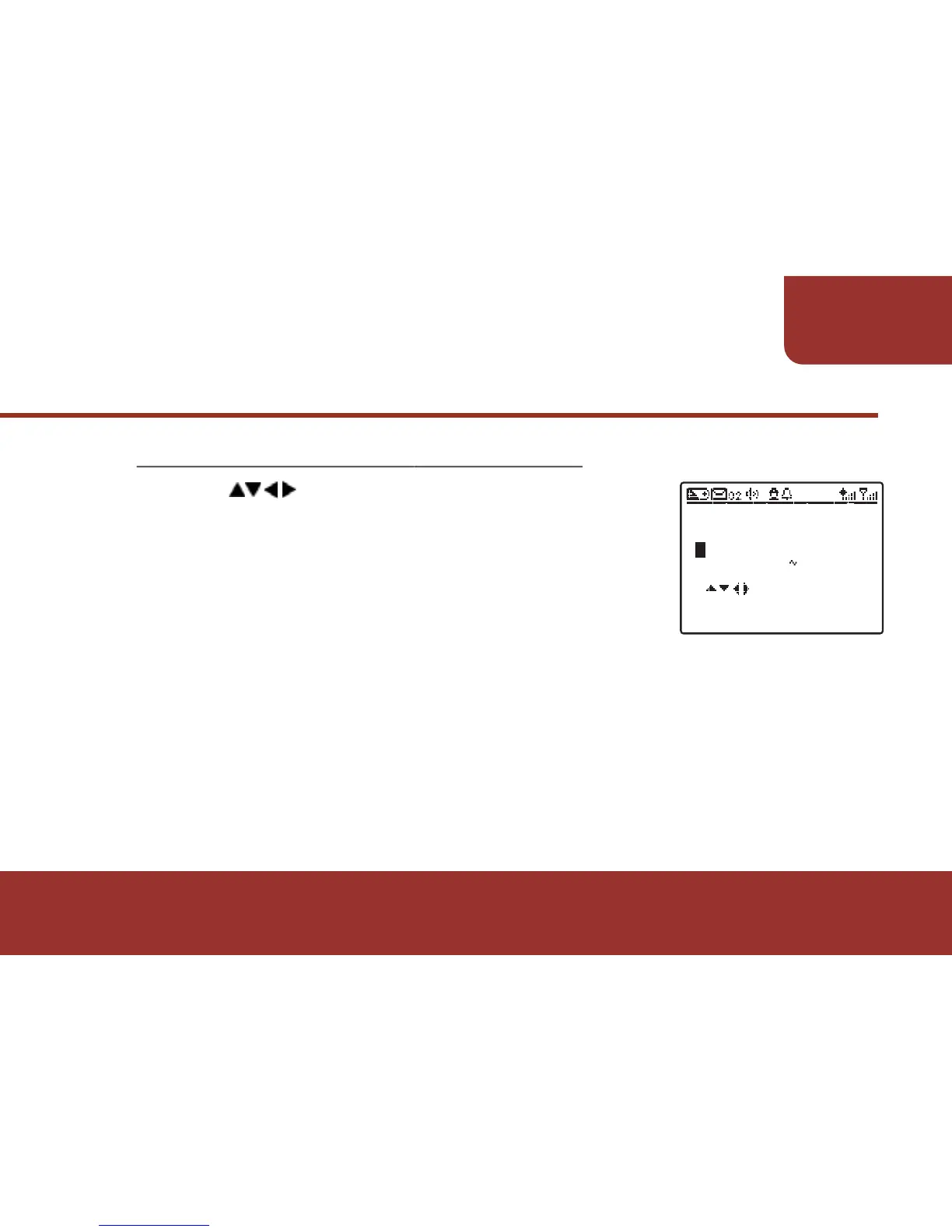
Press to enter the pre - set password.
After entering the first input, the cursor will
automatically move to the second digit.
After entering the password, press OK KEY
to confirm the pre - set password. If the pre - set
password is correct, there will be a new screen
display and ask you to enter the new
password.
Ɂ
If the password you entered is incorrect, there will be a pop - up
window with "PASSWORD INCORRECT" and ask you to enter
the password again.



 To Next Page