34
MESSAGE
8-2-3. RESPONSE ACK(Response Confirmation)
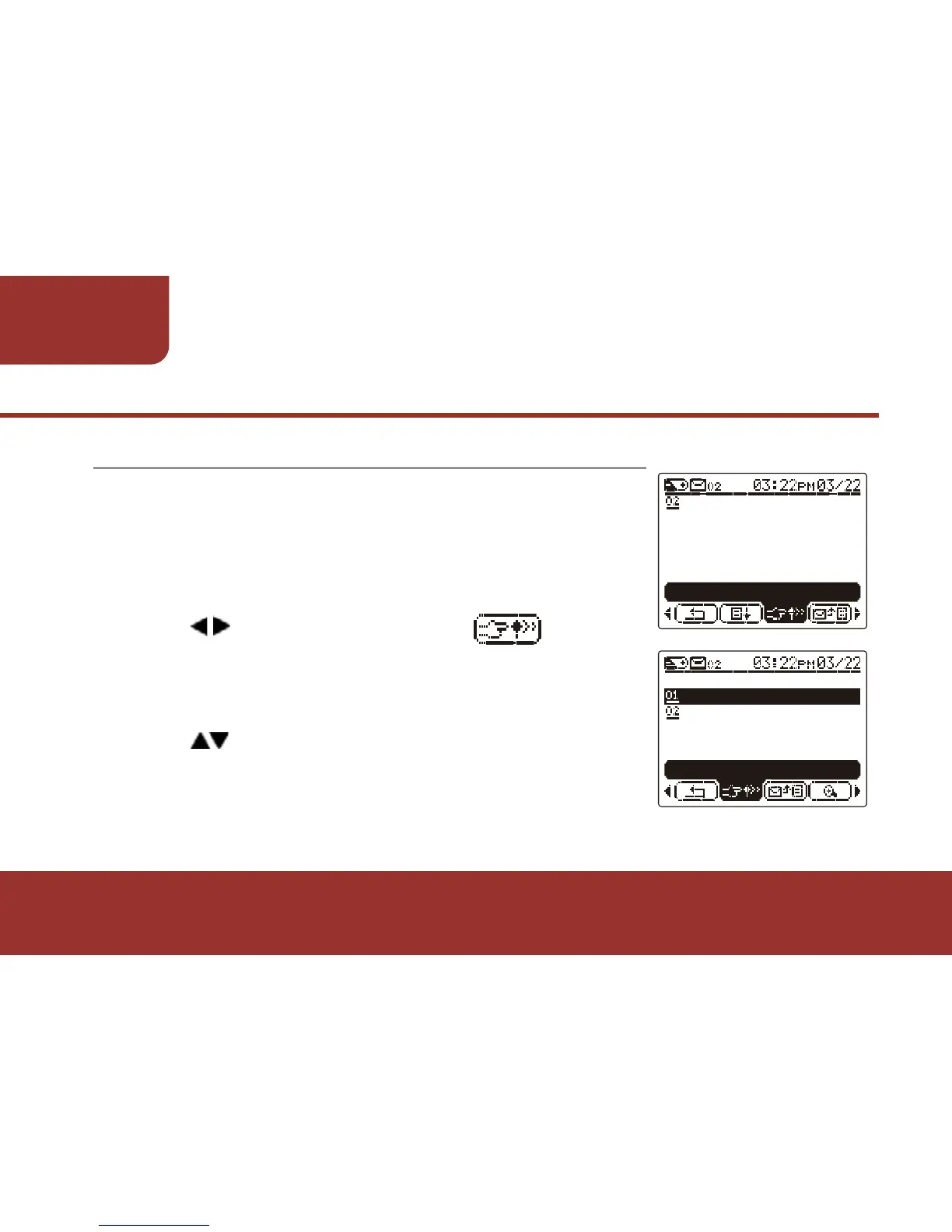
When a GSM RESPONSE ACK requested
message is received, the LCD will display “New
ACK MESSAGE”. On the tool bar, there will be an
“RESPONSE ACK” icon displays on the tool bar
for you to send out the SMS confirmation.
a. Press to move the cursor to
“ RESPONSE ACK”.
b. Press OK to display the “Confirmation List”.
c. The cursor will stay on the first SMS option.
d. Press to select the desired option.
e. Press OK to send the selected option.
“Sending ACK” indication will display on the LCD.



 To Next Page