42
MESSAGE
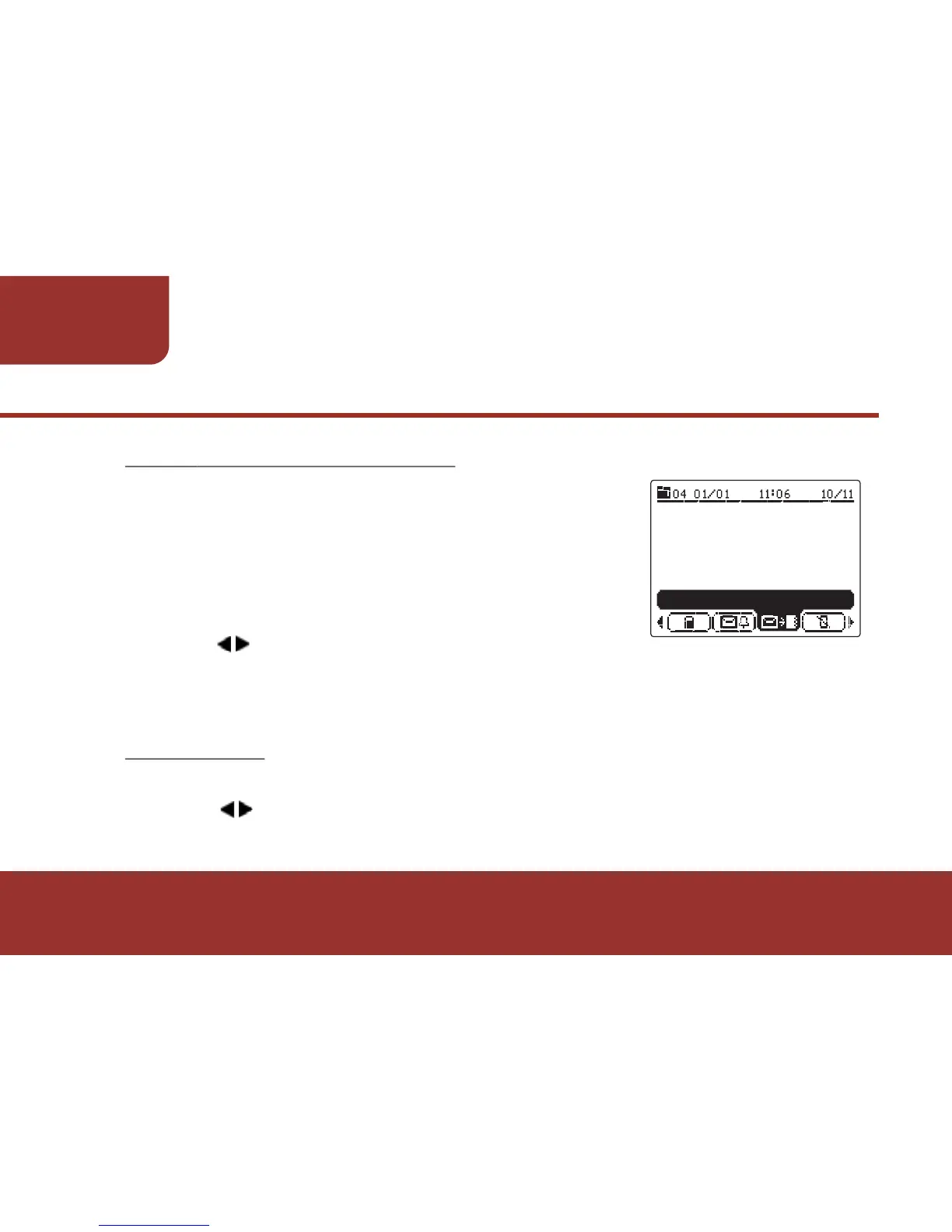
8-3-6. MOVE TO NOTEBOOK
After reading a message, if this message is
important, you can move this message to
NOTEBOOK FOLDER. The messages in the
NOTEBOOK FOLDER will not be auto - deleted
when the pager text memory size is full:
a. Press to move to "MOVE TO NOTEBOOK",
then press OK KEY to confirm the setting.
The selected message will be saved in NOTEBOOK.
8-3-7. BACK
After reading the messages, press BACK to return to Message List:
a. Press to move the cursor to "BACK", then press OK KEY, the
screen will return to MESSAGE LIST.



 To Next Page