47
10-2-2. ON/ OFF DUTY
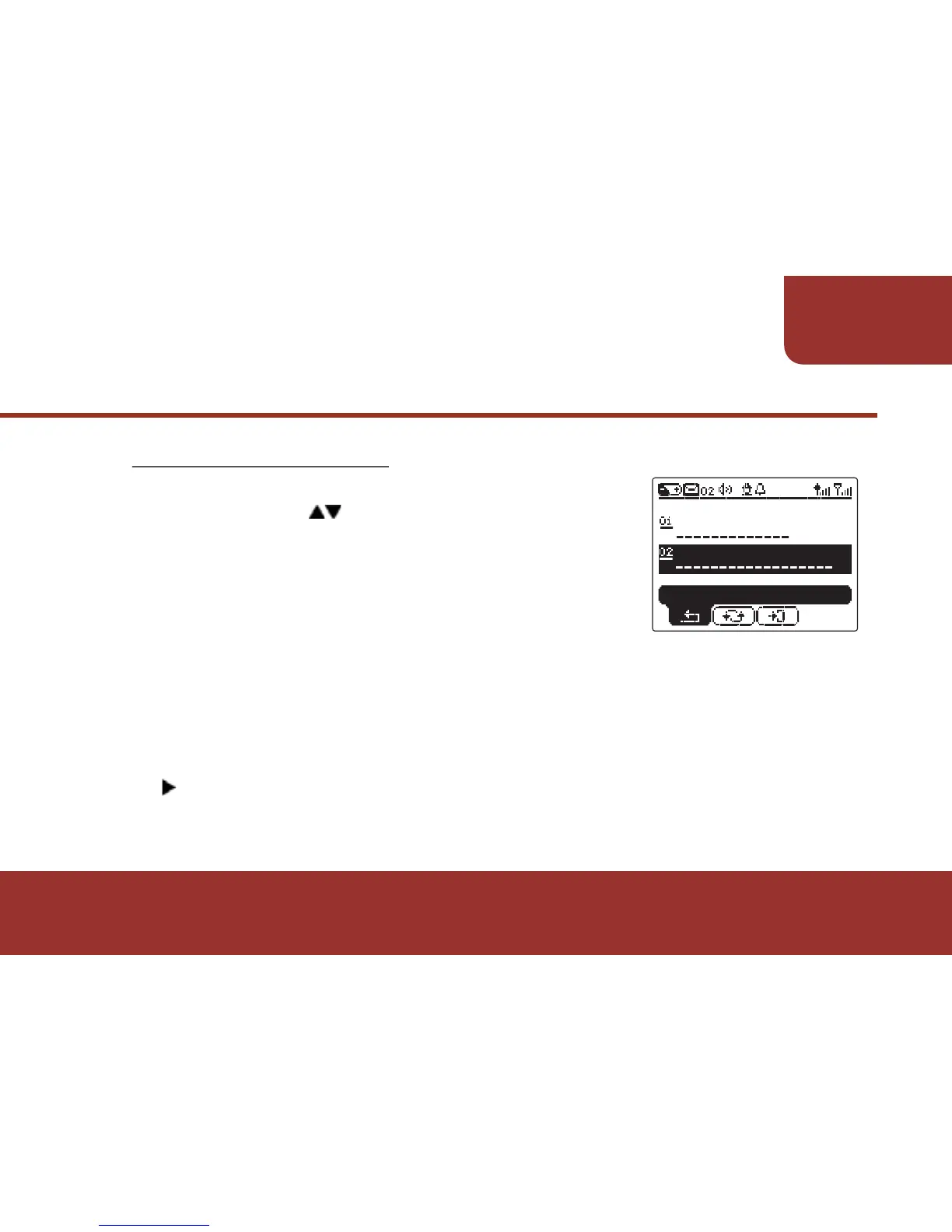
a. After entering the FUNCTION STATUS,
please press KEY to move to
ON/OFF DUTY. The current status of
ON/OFF Duty will also be displayed.
b. Press OK KEY to switch between ON or
OFF.
c. Current duty status will also be changed while switching
through the status. Only ON and OFF are in switch.
d. After a duty mode is selected, the change will be automatically
saved.
e. If you would like to enter to the full setting screens, please press
to move tool cursor to "ENTER" and press OK.
The full setting operations of ON/ OFF DUTY is exactly same
as the operations in SETTINGS - ON/ OFF DUTY.
FUNCTION
STATUS
ϡ
ON
FUNCTION STATUS
ALERT MODE
AUDIBLE
ON/OFF DUTY
BACK



 To Next Page