11-2-3 DAYLIGHT SAVING
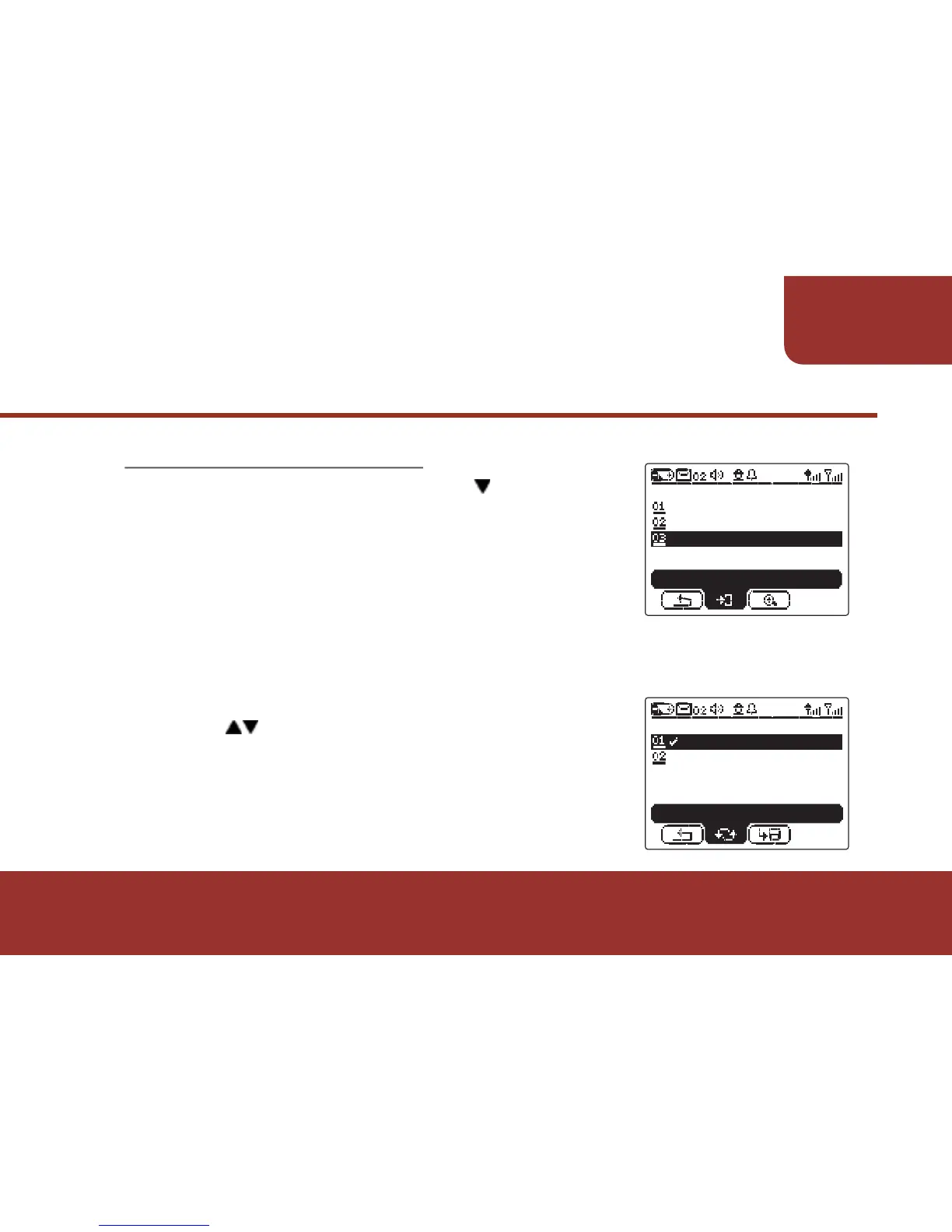
In TIME & DATE screen, press then OK
KEY to enter DAYLIGHT SAVING.
When enable DAYLIGHT SAVING , the real
time running of the pager timer will be
automatically advanced one hour.
When disable DAYLIGHT SAVING,
the pager will automatically adjust the real time one hour back.
a. Press to select enable or disable.
b. Press OK KEY to confirm the selection.
The real time will be automatically adjusted
after the selection.
55
SETTINGS
TIME & DATE
DATE FORMAT
TIME & DATE
DAYLIGHT SAVING
ENTER
ON
OFF
DAYLIGHT SAVING
TOGGLE



 To Next Page