68
SETTINGS
11-5-4. OUT OF RANGE SETTING
a.
b.
c.
d.
e.
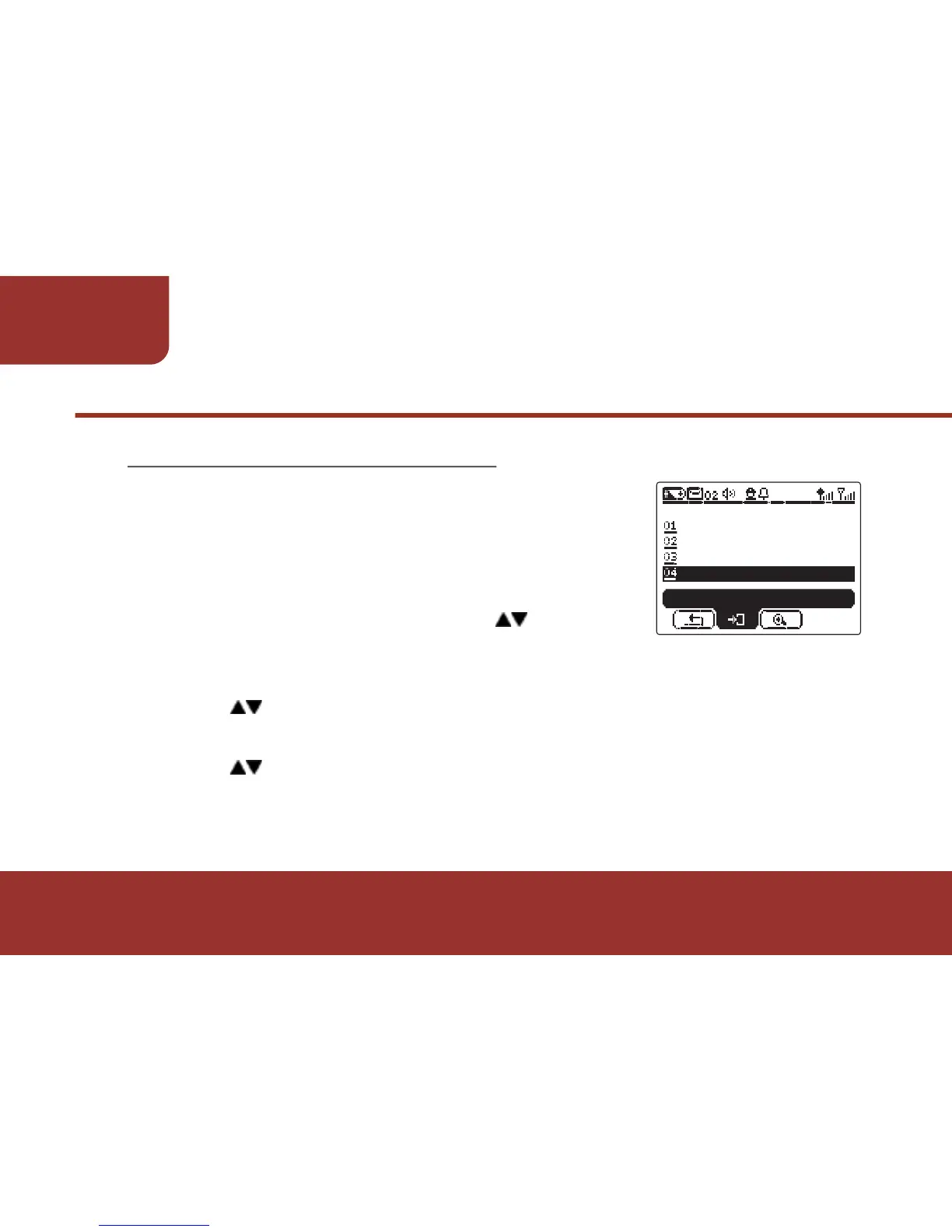
In Alert Settings screen, press to move
to"OUT OF RANGE".
Press OK KEY to enter “OUT OF RANGE".
Press to switch the status ON/ OFF.
Press OK KEY to confirm the selection.
Press to "SAVE" then press OK KEY to save the setting.
A "SAVED" window will pop up and indicate the setting has
been saved.
When this feature is activated, the pager
automatically generates “Out of Range Alert”
when it receives no RF signaling for the
pre-set period.



 To Next Page