Bluetooth 139
Using a Bluetooth headset
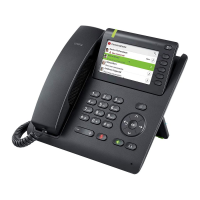
You can connect an approved Bluetooth headset to your OpenStage 60/80 T.
Ask your service personnel about approved headset types.
Prepare your Bluetooth headset for connection with your OpenStage by follow-
ing the instructions in the relevant user manual.
Proceed as following to prepare your OpenStage:
• Activate the Bluetooth function page 128.
• Enter the headset in the linking list
1
page 131.
• Establish the Bluetooth connection
page 130.
Testing a Bluetooth headset
Prerequisite: OpenStage and the Bluetooth headset are connected (see proce-
dure above).
o Press the key shown.
Z You hear the on-hook signal.
j Enter the station number.
The connection is established as soon as your input is complete.
if nec. X Set the call volume.
You are recommended not to activate the speakerphone feature when us-
ing a Bluetooth headset page 40 because depending on headset and
environment, this can lead to reduced speech quality.
1. only necessary the first time



 To Next Page
 Loading...