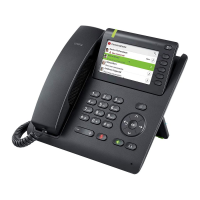
98 More functions/services
Displaying the number of waiting calls/
overload display
You can show the number of external waiting calls on the display by pressing the
"View number of calls" key
page 71.
R Press the " Calls in Q" key.
If the number of waiting calls exceeds a preset limit while you are engaged in
another call (overload), the LED on the key lights up. Contact your service per
-
sonnel to find out the waiting call limit.
S LED off: There are no waiting calls.
T • LED is flashing slowly:
The set limit has been reached.
• LED is flashing quickly:
The limit has been exceeded (overload).
Using another telephone like your own for a
call
Other parties can temporarily use your phone like their own for an outgoing call.
v Open the Program/Service menu page 36.
Select and confirm the option shown.
Displaying and deleting messages you have sent
j Enter the number of the other user.
j Enter the other user’s lock code page 88.
if nec.
If the other user has not set a PIN, he or she is prompted to do so on his or her
phone.
j Enter the external phone number.



 To Next Page
 Loading...