17
3) Enter the administrator password using the numeric (0-9) keys, and then press the «ENTER» button.
4) Press the up scroll button to select [Enable] and then press the «ENTER» button.
5) Press the scroll button several times to select [Manual Setup] and press the «ENTER» button.
6) Check the [SSID] and [Password] of the printer.
7) Input the printer’s [SSID] and [Password] that were confirmed in step 6 for your wireless device.
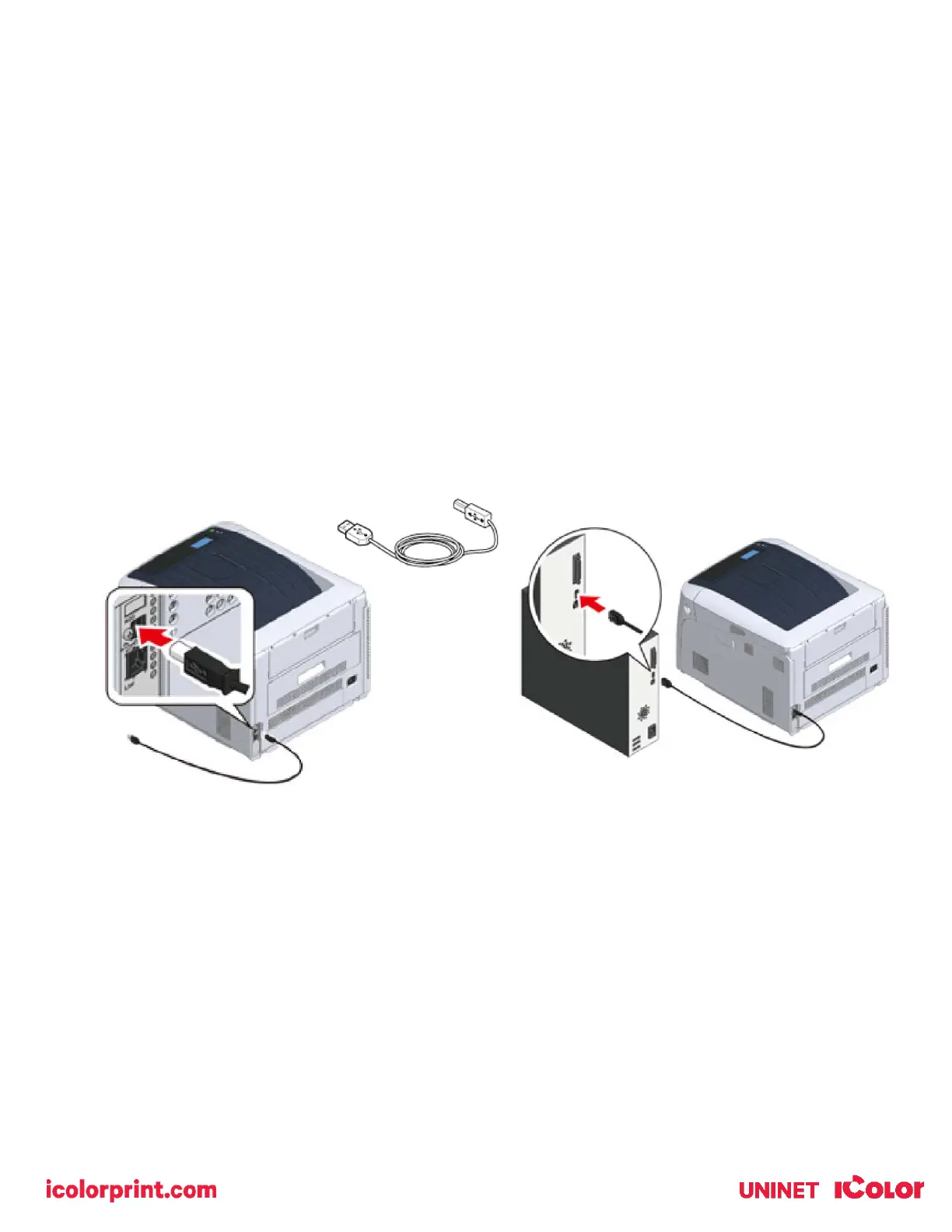
Connecting via USB Cable
1) With the printer off, insert the square end of the USB cable into the back of the printer.
• A USB 2.0 cable is included with your printer. USB 3.0 is not supported.
• Do not insert the USB cable into the network interface connector. This may cause a malfunction.
2) Plug the flat end of the USB cable into your computer to complete the connection.



 To Next Page