9
For example, to enter ‘abc’:
• Press «2» «2» «ENTER», «2» «2» «2» «ENTER», «2» «2» «2» «2» «ENTER».
• The functions of «Fn» and «CLEAR» keys are the followings:
«Fn» key
• Shortcut button when displaying the device setting menu. By pressing numeric keys after pressing the « » key, the
« » key functions as «Fn» key. (Only available while the stand-by screen is displayed.)
«CLEAR» key
• Deletes a character when entering a password.
Uninet does not suggest altering any settings hard corded into the printer. Undesirable results may occur.
Changing the Administrator Password
• The factory default password is ‘123456’. It is not necessary to change the password unless there are security
risks to be considered.
1) Press the down scroll button several times to select [Admin Setup] and press the «ENTER» button.
2) Enter the administrator password using the numeric (0-9) keys, and then press «ENTER» button.
• Press «1»→«2»→«3»→«4»→«5»→«6»→«ENTER» in that order. The password is displayed as "******".
3) Press the down scroll button several times to select [Change Password] and press the «ENTER» button.
4) Enter a new administrator password and press the «ENTER» button. Enter the new password again and press the
«ENTER» button.
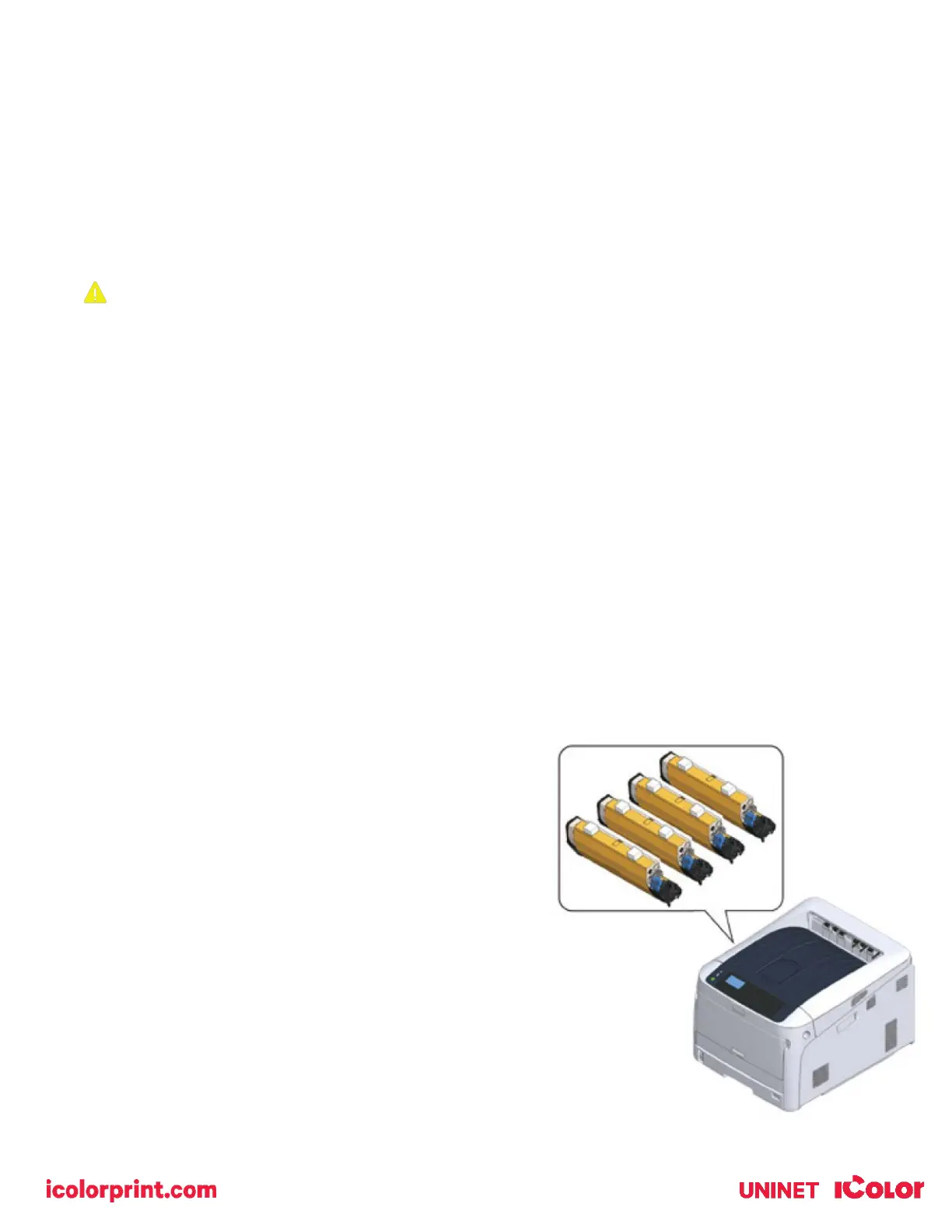
Unpacking and installing consumables
• The printer ships with cyan, magenta and yellow starter
toner and drum units which are installed in the printer
before shipment. The white is full yeild cartridge.
• The black starter toner and drum unit is packed separately
and may be used in place of white when required.
• Do not remove the toner cartridge from its corresponding
image drum. Leave them locked in place.



 To Next Page