24
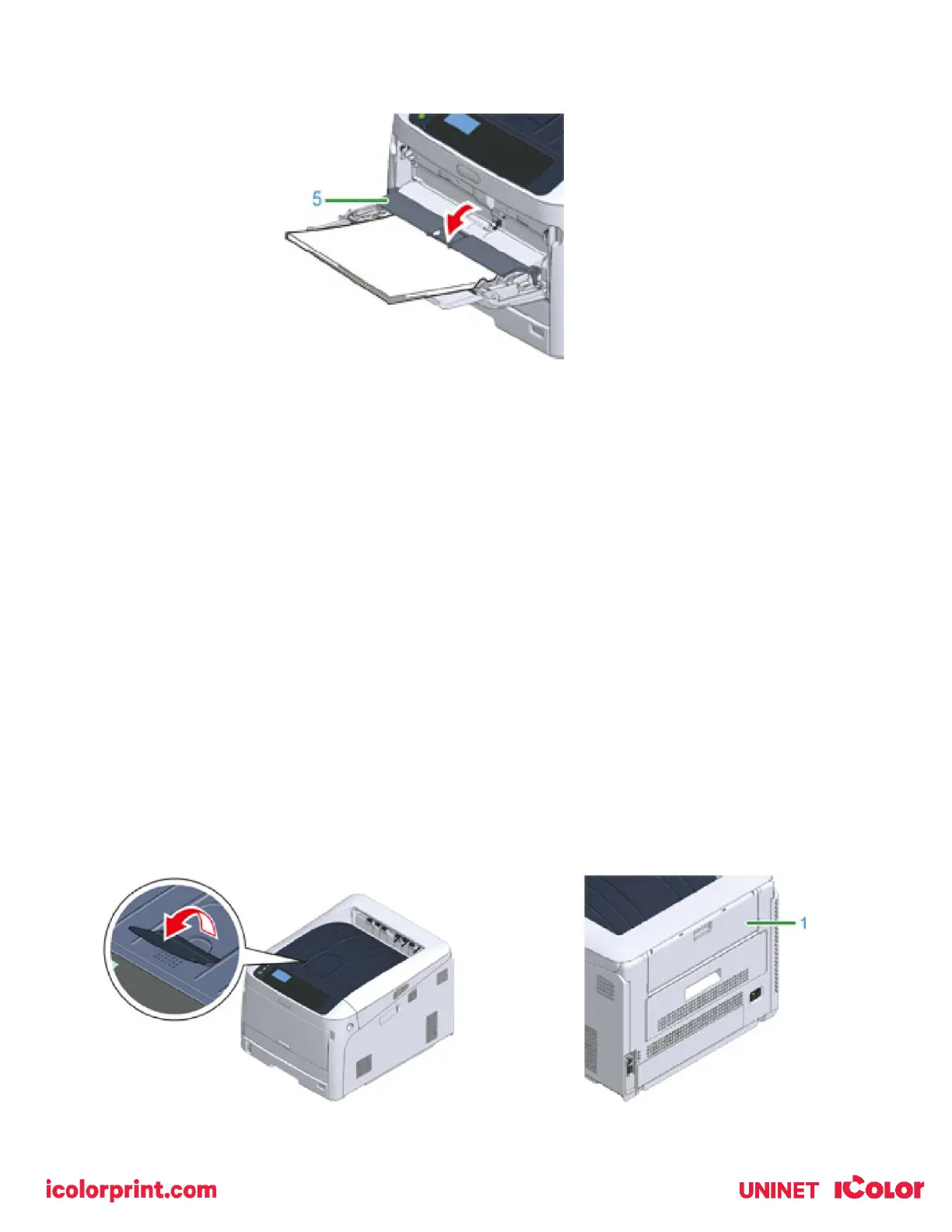
5) Close the paper set cover (5).
• Do not load paper of different sizes, types or weights at the same time.
• When adding paper, remove the paper on the MP tray and straighten the edges of both stacks of paper, and
then load them again.
• Do not put anything other than paper for printing in the MP tray.
• Do not leave paper in the MP tray for a long time. Dust and dirt will adhere to the paper and cause print
quality to deteriorate.
• Use paper stored in proper temperature and humidity conditions. Do not use paper that is curled or waved
because of humidity.
• Do not print on the back side of paper on which other print is already present.
Paper Output
1) Open the paper support so that output does not slip down from the output tray.
• Paper is printed with the printed side down and piled in chronological order.
2) Make sure the rear output tray is closed (1) when the expectation is for the paper to exit onto the main output
tray.



 To Next Page