12 l Smatrix Pulse | Installation and Operation Manual
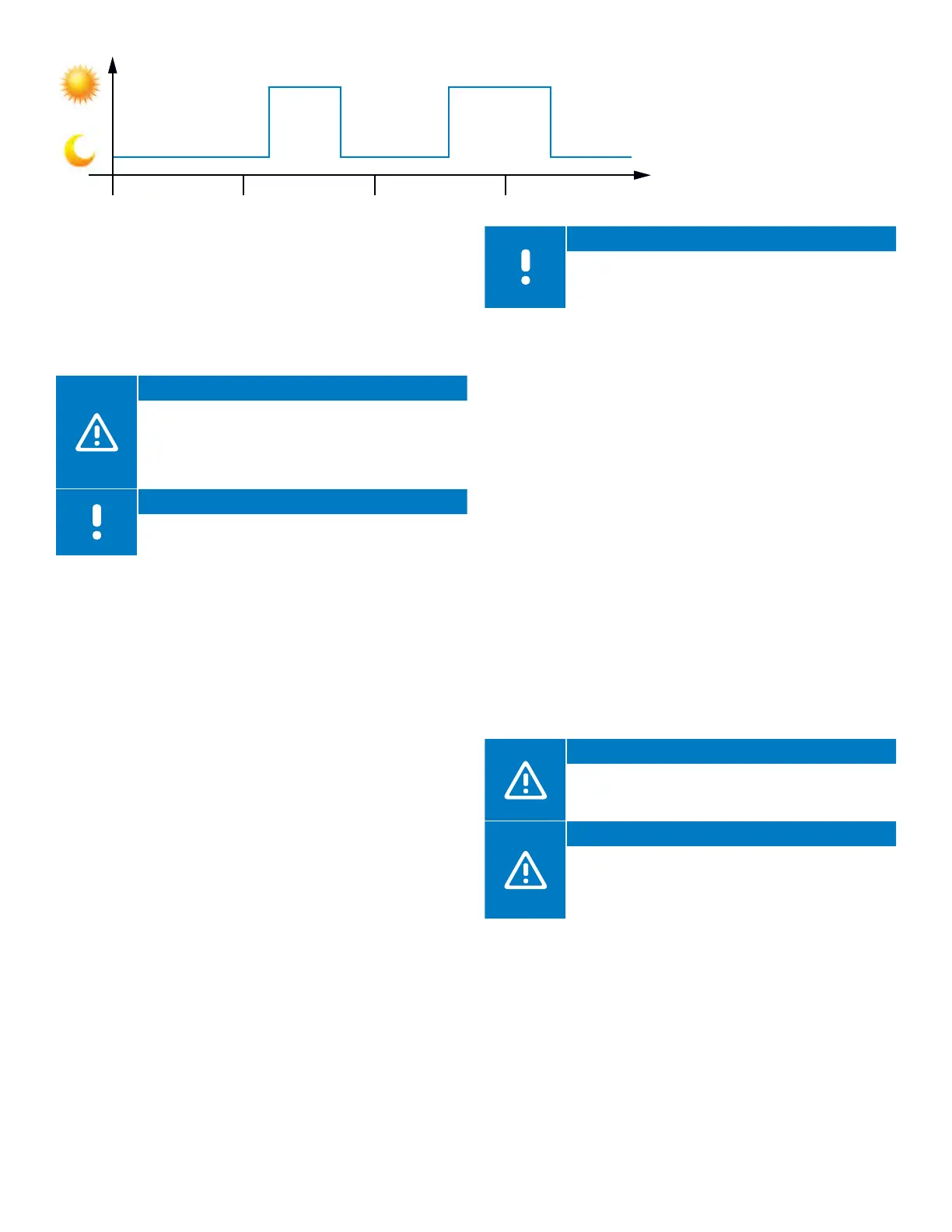
Figure 4-1: Comfort and ECO mode examples
Figure 4-1 shows the system delivers heating in Comfort
mode in the morning and late afternoon but enters
ECO mode at night and in the middle of the day when
the house is normally unoccupied and energy can be
conserved.
Caution!
Connecting an external Comfort/ECO switch to
the GPI terminals on the Controller will override the
time schedules in the Smatrix Pulse App when the
switch is closed. This feature will require setup in
the app.
Note
Use only one Comfort/ECO switch in the system.
Cooling Operation
The controller can operate underfloor cooling installation
based on customer needs. Adjust temperatures with
thermostats or by using the Smatrix Pulse App.
As soon as the temperature measured at a thermostat is
higher than the setpoint temperature, a demand to cool
the room or zone is created and sent to the Controller. The
Controller will open the actuators or turn on the cooling
terminals on the relay according to the current operating
mode and settings. Once the set temperature is reached,
the actuators will close, or the air cooling will turn off.
Cooling Options
Use the Smatrix Pulse App to set up the following two
cooling methods.
• Underfloor cooling (delivered via hydronic loops in the
floor)
• Air cooling (delivered via conventional air conditioning or
fan coil units connected to a relay module registered to a
room thermostat)
Note
If selecting air cooling as the primary method to
cool the room or zone, it is important to turn off the
Autobalancing feature.
Cooling – Second Stage
The Smatrix Pulse system can control a second stage of
cooling. In rooms where underfloor cooling is installed and
a fan coil is also available, underfloor cooling is started
when the room temperature rises above setpoint (first
stage), and the fan-coil cooling is started or activated
depending on how fast the room temperature is
increasing. Second-stage cooling will end once the room
temperature is at or below the set temperature.
The relay must be registered to a thermostat directly for
operation of air-system control. See page 28 for additional
information about registering the thermostat to a relay.
Forced Air/Fan Coils
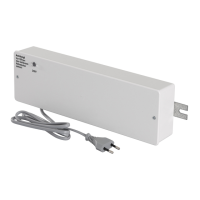
Use the Relay Module (M-263) (part number A3801263)
to control air heating and cooling. The air heating and
cooling equipment is wired to a relay module and
registered (linked) to a thermostat. The operation is
dependent on the settings in the Smatrix Pulse App.
Caution!
Limit of four (4) Relay Modules for forced air
systems/fan coils per Controller to ensure system
performance.
Caution!
When connecting a Relay Module to control air
heating or cooling, make sure an actuator is not
connected to the first channel the thermostat is
assigned to.
0:00 6:00 24:0018:0012:00



 To Next Page