uponor.com l 41
Chapter 11:
System Connectivity
The Smatrix Pulse system can connect to the Uponor
Cloud in standard home networks via the mobile app.
Due to security concerns, closed ports and firewalls will
prevent Smatrix Pulse systems from connecting to the
Uponor Cloud in office networks. Please review the list
of requirements for both router settings and network
requirements needed to successfully connect the Smatrix
Pulse system to the Uponor Cloud.
Smatrix Pulse Mobile App
Available for download from the App Store or Google Play,
the Smatrix Pulse App extends the flexibility and comfort of
an Uponor radiant system by adding remote access to its
range of possibilities.
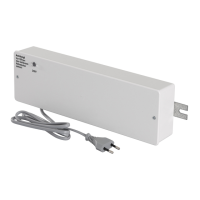
Local access: When near the Communication Module
(R-208), the radiant system provides direct access.
There is no need for an Internet connection. However,
for maximum ease, the system can be accessed via the
Smatrix Pulse App.
Remote access: When away, the system can be accessed
via the Smatrix Pulse App or website on a smartphone,
tablet, or PC.
Router Requirements
• DHCP (IP address assignment) is activated in the router.
• Wi-Fi protected access is setup as WPA2-Personal or
WPA/WPA2-Personal.
• Wi-Fi connectivity is set at 802.11 b/g/n @2.4Ghz.
• MAC address is not blocked.
Network Requirements
• Open network without network security.
• SSID is distributed and not hidden.
• Repeaters are turned off during the Uponor Cloud
connection process, so the smartphone or tablet does
not connect to the repeaters.
• Wi-Fi repeaters should use the same SSID and password
of the main Wi-Fi.
• Once the user account is created and the system is
connected to the Uponor Cloud, the repeaters can be
switched on.
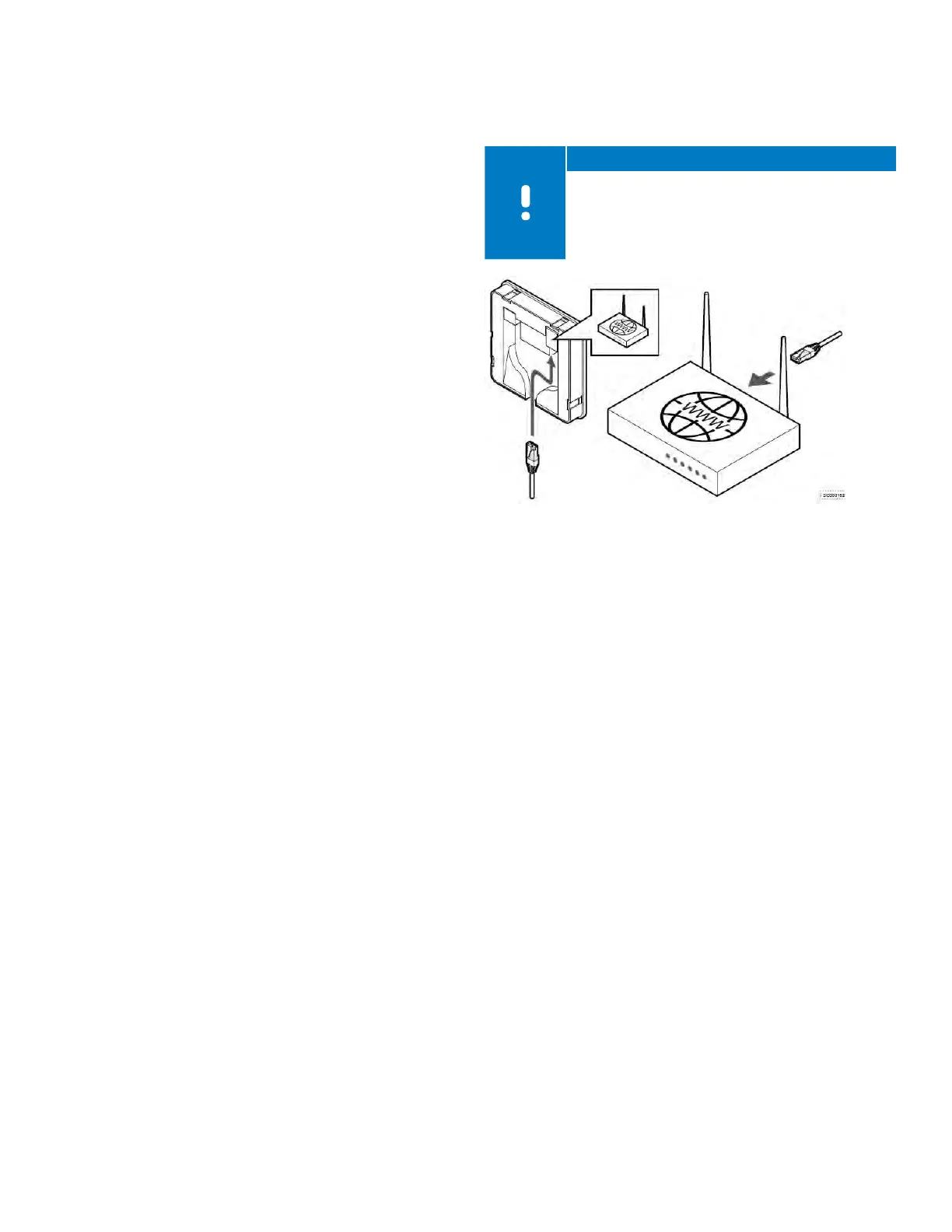
Note
The Communication Module can only
communicate with the Wi-Fi router at the 2.4 GHz
band. Make sure to connect to a SSID supporting
2.4 GHz or connect using an Ethernet cable. Mobile
hotspot 2.4GHz is supported.
• The system requires a minimum signal strength of -60
dBm. For typical connections, two bars will indicate a
signal strength in the -60 to -70 dBm range. However,
be aware that the signal may not be strong enough
for a stable connection. To get an exact dBm number
for signal strength, see the technical bulletin for more
information.
Figure 11-1: Network requirements



 To Next Page