RoboSHOT HD Cameras
RoboSHOT HD Cameras - Document Number 342-0796 Rev C Page 14 of 68
IR 1
1 & 2 UP
ON
DIP SWITCH SETTINGS
8
12
3
4
567
HD VIDEO RESOLUTION SELECT
720p/59.94
1080i/59.94
0
1
2
3
4
5
6
7
8
9
A
B
C
D
E
F
1080p/59.94
1080i/60
1080p/60
720p/50
21
5
4
3768
IR 2
ON
IR 3
ON
IR
OUT
OFF
BAUD
9600
bps
38,400
bps
1080i/50
1080p/50
7
OFF
8
OFF
IMAGE
FLIP
OF
F
ON
SUPER
WIDE
OFF
ON
720p/60
720p/30
1080p/30
720p/25
1080p/25
SETTING UP THE ROBOSHOT
The RoboSHOT cameras control the resolution of the video signal sent back to the Quick-Connect USB interface.
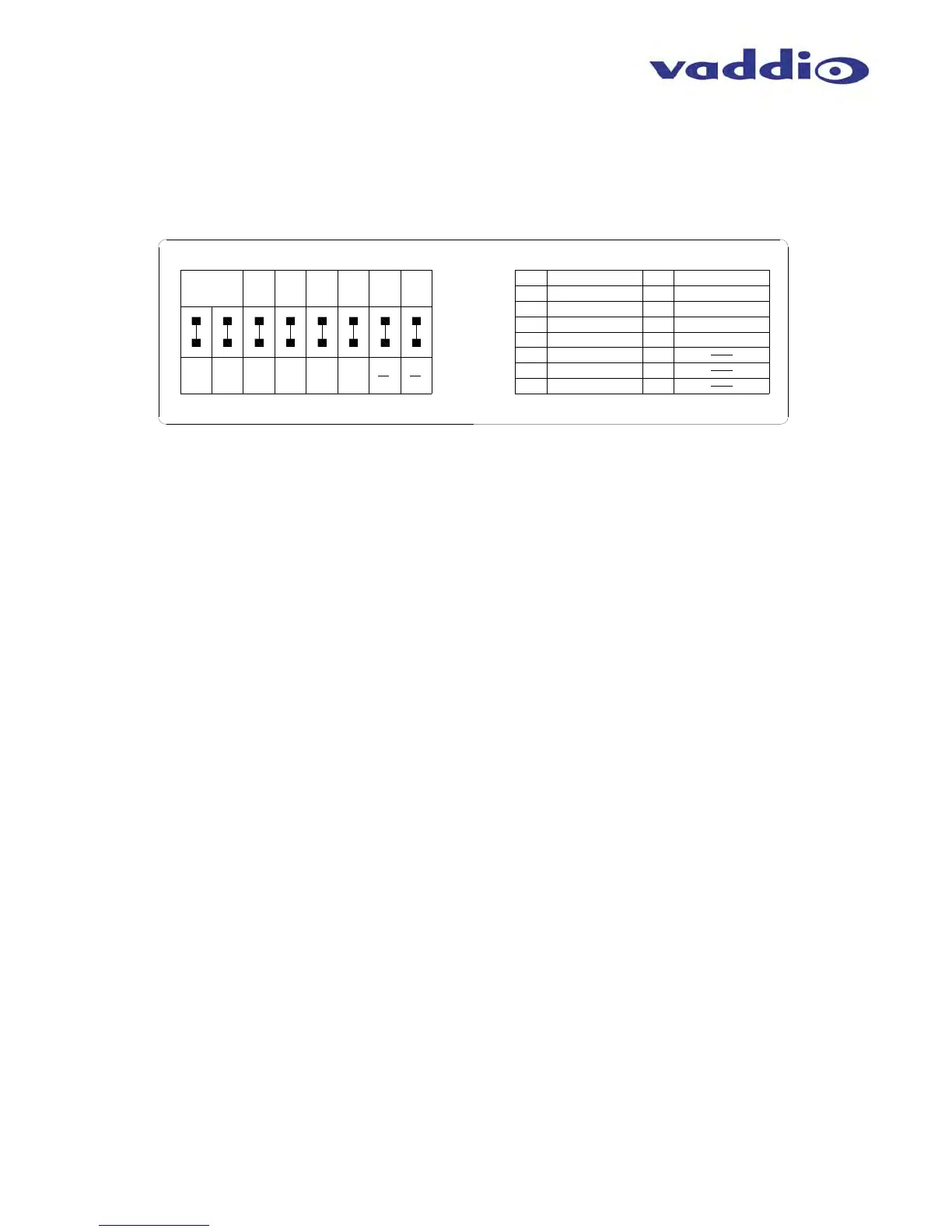
There is a rotary switch (see page 9) to set the HD video resolution and a set of eight (8) DIP switches that
determine certain camera functions. See the drawing and description on how to setup the camera.
Drawing: DIP Switch and Resolution Label on the Bottom of the RoboSHOT
Setting the RoboSHOT Switch Gear:
1) Set the desired and available HD output resolution for the camera with the Rotary Switch.
2) Set the IR control frequency of the camera if it is to respond to the IR remote control.
3) If using the IR forwarding features with a 3
rd
party codec remote, set the IR OUT switch to ON (SW3).
4) If inverting the camera, turn the IMAGE FLIP ON (SW4).
5) For the RoboSHOT 12X model only, set the Super-wide mode to ON for a 12X, 73º horizontal super-wide
angle of view. Normal mode will produce 67.2º horizontal field of view (HFOV). The RoboSHOT 30 does not
have a Super Wide mode.
6) Set the Baud Rate DIP switch (SW6) to 9600bps for most applications. Default is 9600 bps systems.
7) Setting all DIP switches DOWN with a power cycle loads the default camera settings. Return DIPs to
desired operating position after power cycle
.
Note: Switches 7 & 8 are reserved for future use.
Dip Switch Settings Further Explained (DSSFE):
IR 1, 2 and 3 (SW 1 &2): A single IR remote has the capability of operating up to three different PTZ cameras
in a room. Use these selector DIP switches and the selector buttons at the top of the IR remote to select the
frequency.
IR OUT on/off (SW3): The IR output is sent out on the RS-232 RJ-45 jack on the back of the camera. Turning
on the IR output will allow IR signals to be transmitted over the Cat-5 cable to the head end. When using RS-
232 control or Vaddio CCU controllers (also via RS-232), turn the IR OUT to OFF (up).
Image Flip (SW4): To invert the camera, turn the IMAGE FLIP ON (switch down).
Super-Wide Mode: Super-wide works only with the RoboSHOT 12 model and allows the camera to switch
from 67.3º wide end HFOV to a Super Wide 73º wide end HFOV.
Baud Rate (SW6): The options for baud rate are either 9600 or 38,400 bps. The 9600 bps works best with
Cat-5e over distance. Use 38,400 bps for short control lines only.
DIP Switches (SW7 & 8): Not used for operation, please leave these DIP switches up or in the OFF position.
Set the RoboSHOT Resolution
Set the desired HD Resolution with the HD Video Select rotary switch on the camera. NOTE: For best results with
USB 2.0 streaming, select video resolution position “0” (720p/59.94). MJPEG is limited to 720p/30, so starting higher
only adds a layer of scaling. Position “0” also works well with IP streaming...so please try position “0” first.
The only RoboSHOT resolutions that will not work with the Quick-Connect USB are position “9” (720p/30), position
“B” (720p/25) and position “C” (1080p/25). All the other resolutions will work, but try position “0” first.
②
①
③
④
⑤
⑥
⑦
All Down
with Power
Cycle for
Defaults



 To Next Page