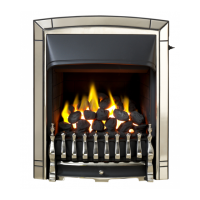
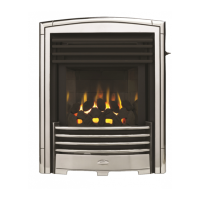
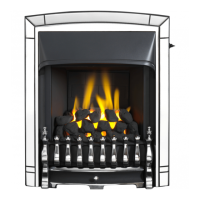
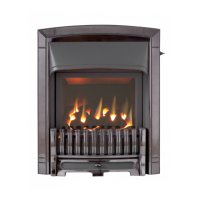
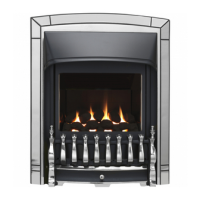
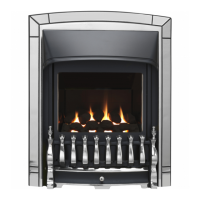
Adorn model
1. Remove the fascia (See section 17.4).
2. Detach the rear bezel baffle and bezel by removing the two screws on the bezel
baffle.
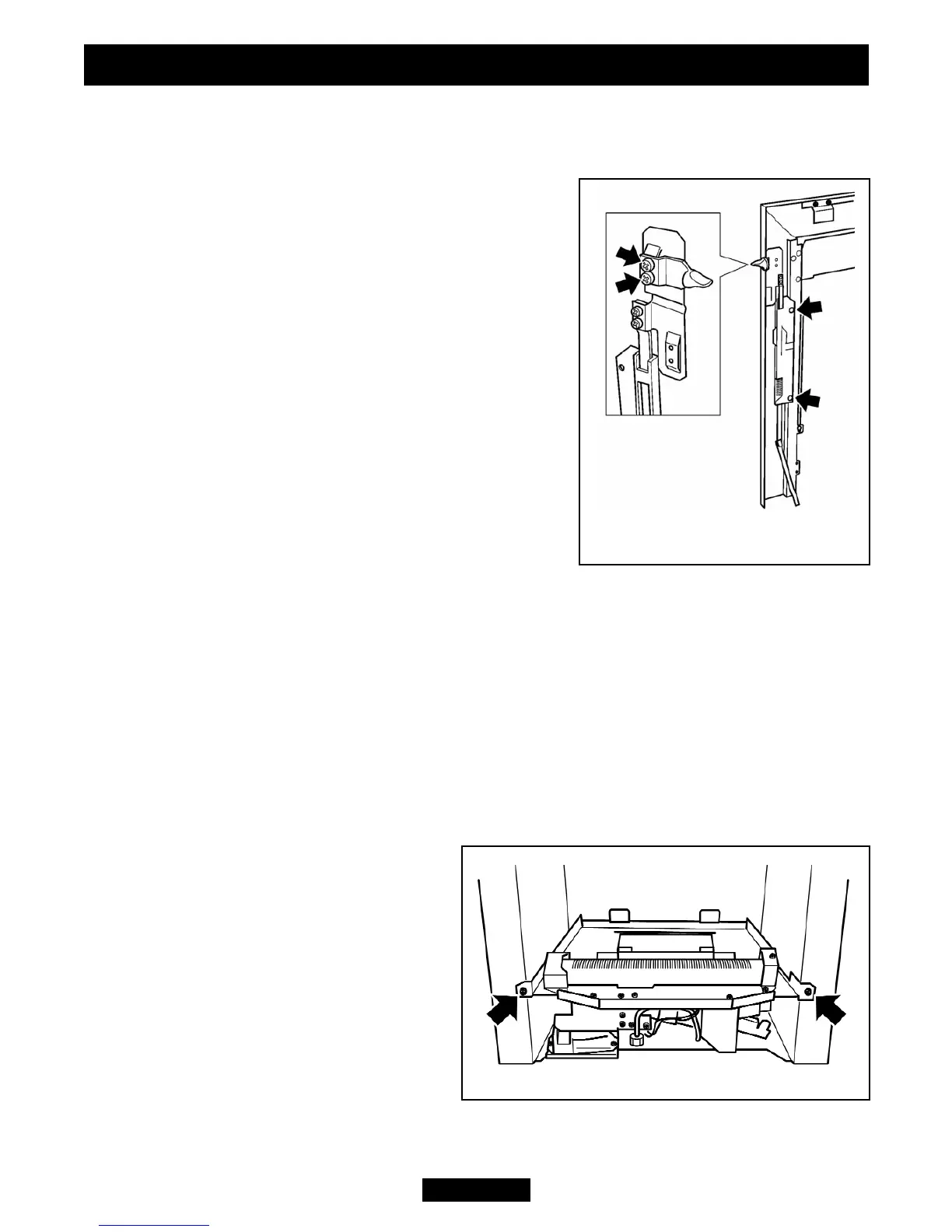
3. Detach the slide unit by removing two screws
securing the plastic slide mechanism to the rear of
the fascia (See figure 53).
4. Replace in the reverse order.
Decadent model
1. Remove the fascia (See section 17.4).
2. Detach the slide unit by removing two screws
securing the plastic slide mechanism to the rear of
the fascia – See figure 54.
3. Replace in the reverse order.
17.6 To replace the control slide button.
Visage, Decadent, Eternal, Dream, Obsession and
Icon models
1. Remove the fascia (See section 17.4).
2. Remove the control slide unit as in section 17.5.
3. Detach the slide button by removing two screws (See figure 54).
4. Replace in the reverse order.
Adorn model
The control slide button is not replaceable as a separate item, only as a complete
control slide unit.
17.7 To remove the complete burner unit.
1. Remove the bottom front, fire front castings and the fascia (See section 17.4).
2. Remove the ceramic fuel effect.
3. Close the isolating valve in the inlet ‘T’
connector. Support the inlet ‘T’ connector
to avoid straining the pipework and
disconnect the appliance from the ‘T’
connector.
4. Detach the burner unit from the
convection box by removing two screws
(See figure 55).
5. Replace in the reverse order.
Page 46
© Baxi Heating U.K. Limited 2009.
INSTALLER GUIDE
Figure 55. Burner attachment points
Figure 54. Control slide &
button fixings


 To Next Page