~ 7 ~
COM3000 Integrator’s Installation Manual
4 COMPONENT ASSEMBLY
If you have purchased an assembled system from your distributor you may skip to section 5.
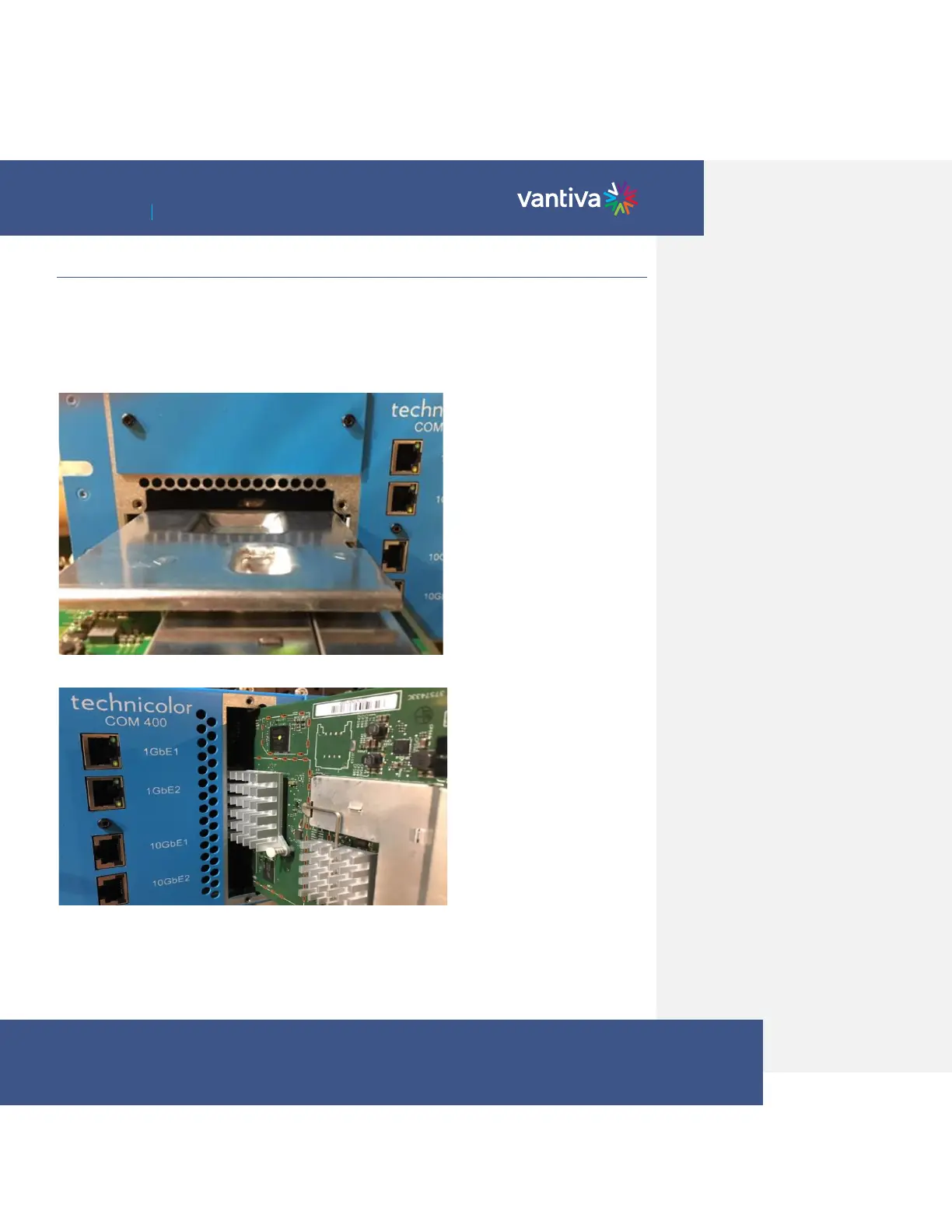
Carefully unpack and install the QAM20 / QAM4 and COM51 cards in the COM400/421 Chassis as shown below. Be
sure to line up the cards with the guides in the chassis.
After inserting the COM51 card, finger tighten the two thumb screws to secure the card in the chassis.
QAM20 / QAM4 should mount in the lower QAM port of the chassis.
A #10 Torx driver is required to secure the QAM20 / QAM4 in the chassis.


 To Next Page