Page 20
ECS-3M
CHAPTER 3 - USER’S GUIDE
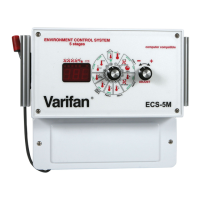
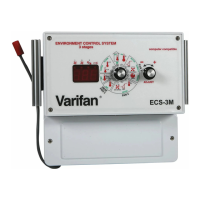
The ECS-3M front panel shown previously features a
LED status window and two control dials which are used
respectively to select a function and adjust a setting.
LED STATUS WINDOW
The LED status window features a 3 digit LED readout for
the display of temperature in Fahrenheit or Celsius,
humidity level, and programmable settings.
In addition, the LED status window displays the
operational status of Fans 1, 2, and Fan 3 or a heater via
four additional LEDS (shown above in LED window).
When ON, each LED indicates that its associated fan or
heater is operating. The fourth LED lights up to indicate a
low or high temperature alarm condition.
CONTROL DIALS
The center dial is the Selector dial and is used to select
one of the control panel’s 12 primary or 10 secondary
functions. The dial located to the right of the Selector dial
is the Adjuster dial and is used to enter secondary
function mode and to adjust the setting of each function.


 To Next Page